 Free
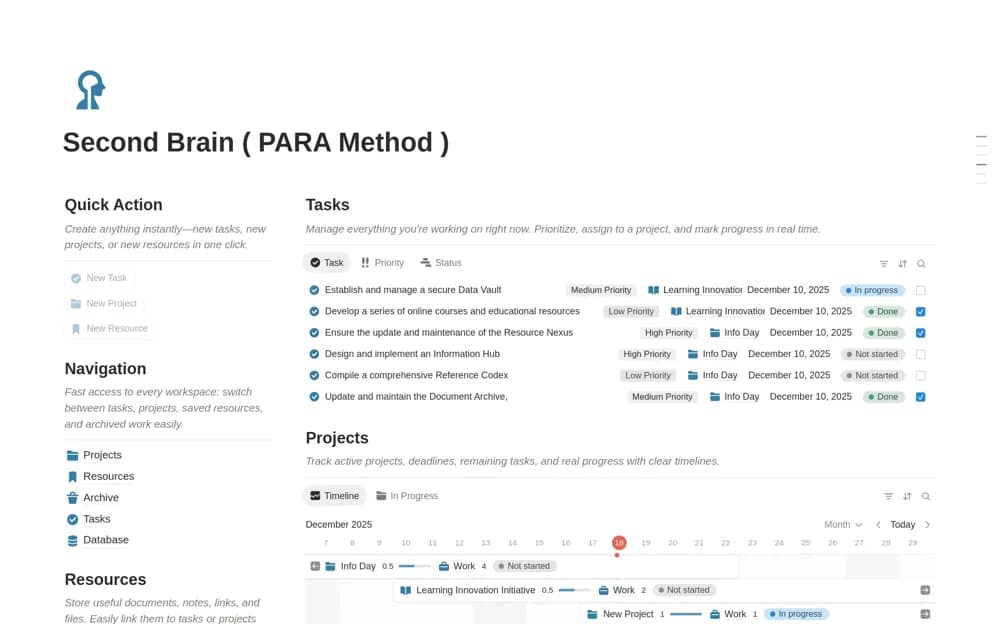
Second Brain PARA Method
Organize Notion projects, ongoing responsibilities, reference resources, and finished work in a PARA dashboard with tasks and progress views.
Make daily planning a little easier. Find Notion templates for tasks, priorities, focus sessions, and the routines that help you finish what you start.
Showing 37–54 of 56 templates
FreeOrganize Notion projects, ongoing responsibilities, reference resources, and finished work in a PARA dashboard with tasks and progress views.
 Free
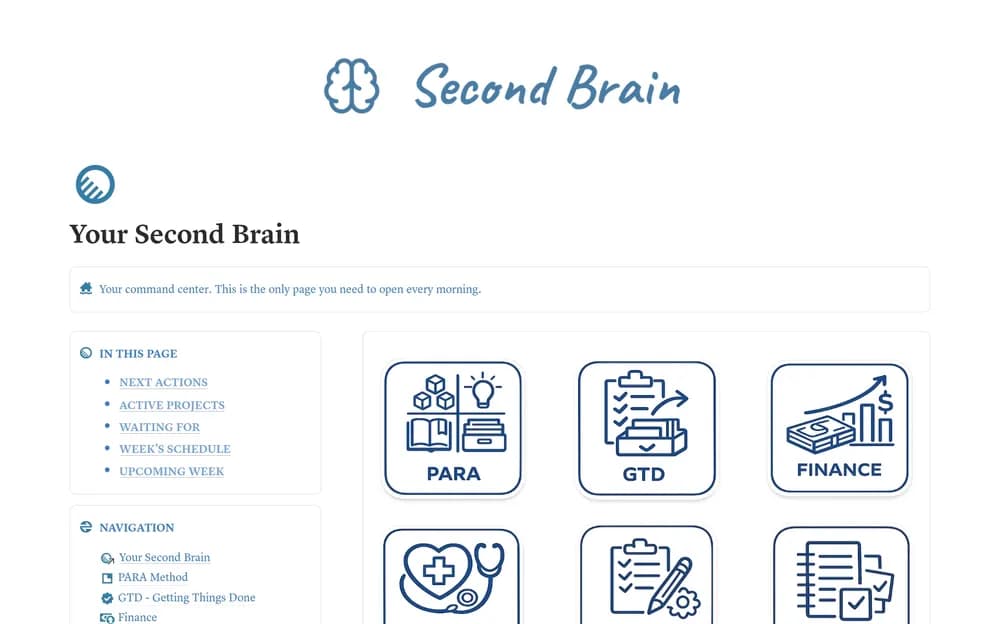
Combine PARA organization with a full GTD workflow in Notion, linking tasks to projects, plus finance, health, habit, time, and note trackers.
 Free
 Free
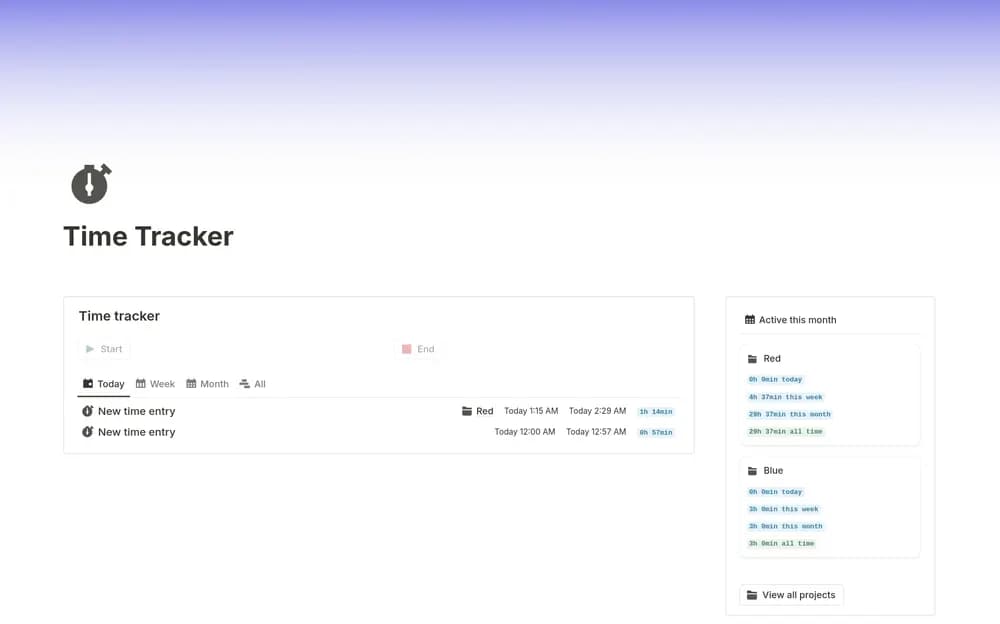
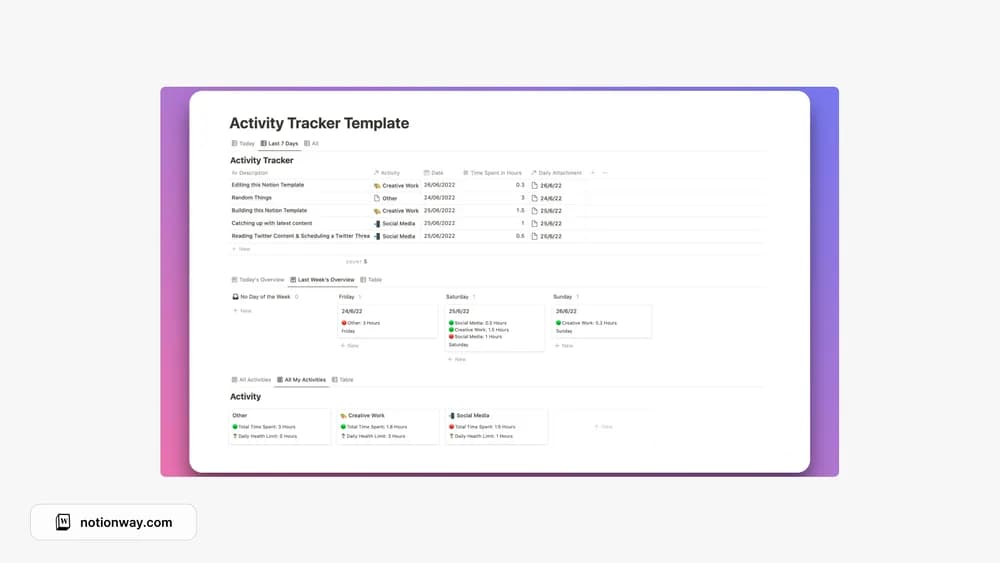
Start and stop project timers with one click in Notion, then review the hours by day, week, month, or all time in a minimal tracker.
 Paid
 Paid
Turn daily tasks and habits into RPG quests in Notion, earning XP by difficulty, raising five player stats, and spending gold in a reward shop.
 Free
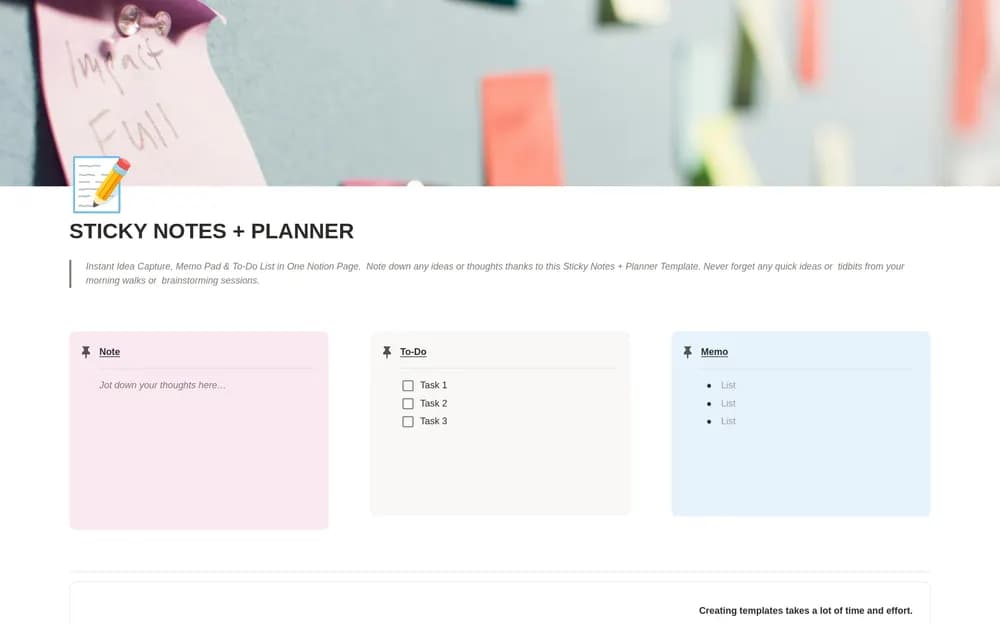
Catch passing thoughts on a Notion page that combines a sticky-notes board for ideas, a memo pad for short lists, and a simple to-do checklist.
 Free
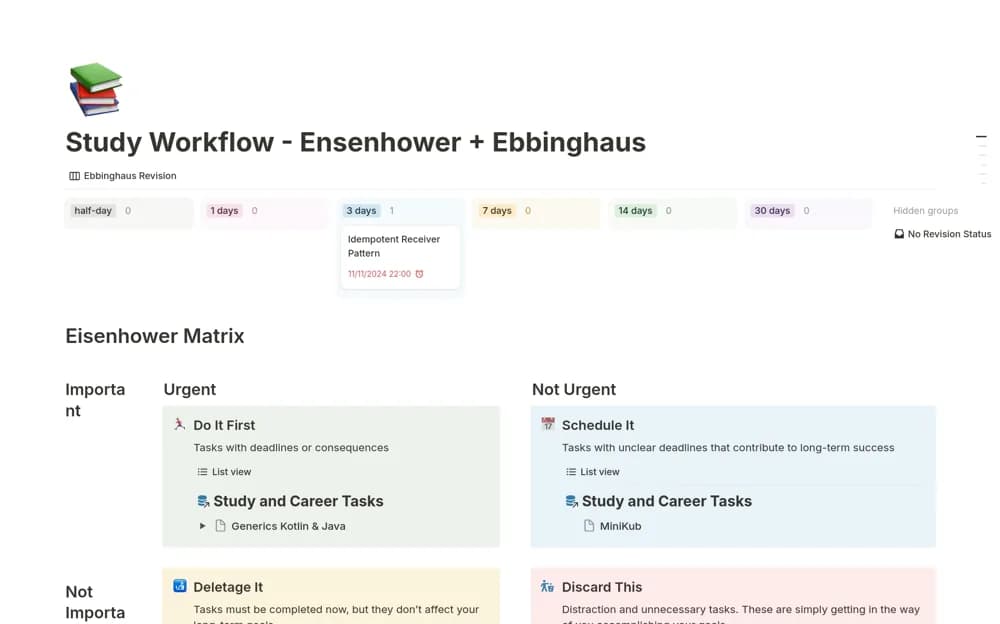
A study and career task planner combining urgency-based priorities with scheduled revision intervals.
 Free
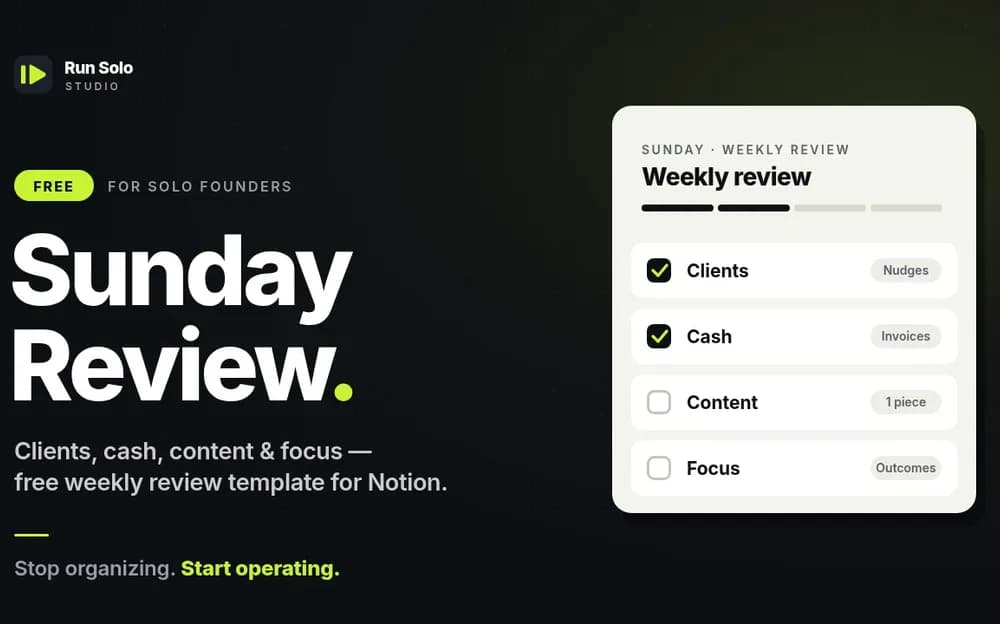
Review a freelance business each week on one Notion page with four blocks covering client health, unpaid invoices, content, and Monday priorities.
 Free
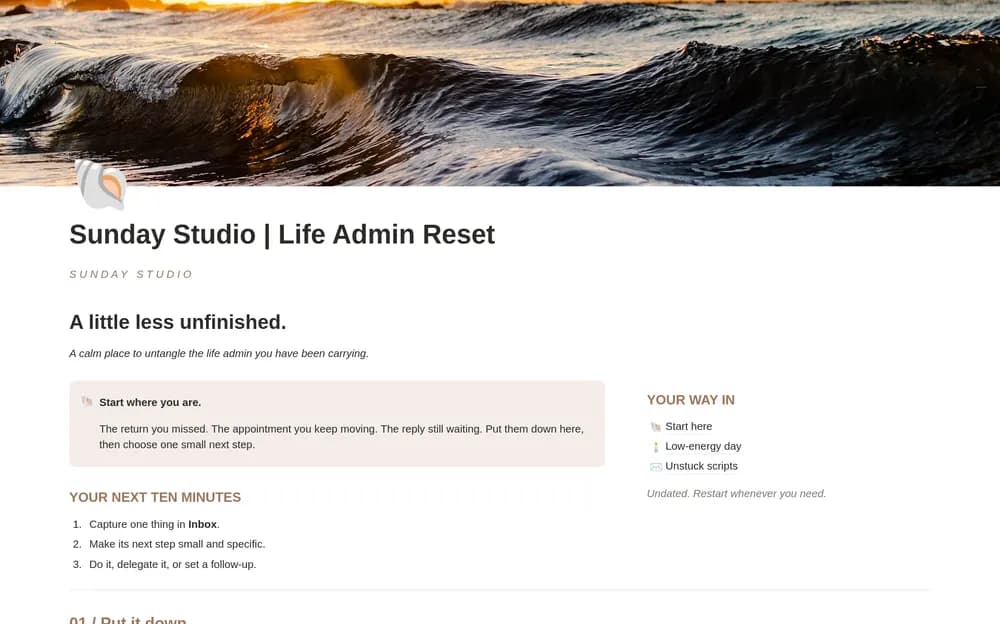
Turn loose life-admin tasks into clear next actions in Notion, moving each open loop through Inbox, Ready, Waiting, Later, and Closed stages.
 Free
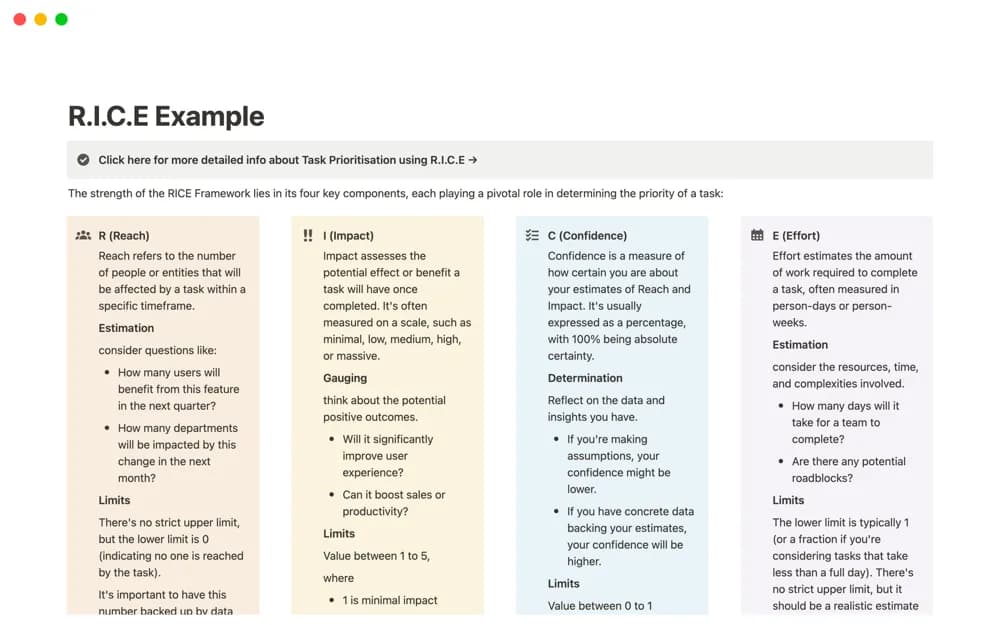
A guided RICE prioritization workspace with explanations, formula examples, and a practice table for comparing work.
 Free
 Free
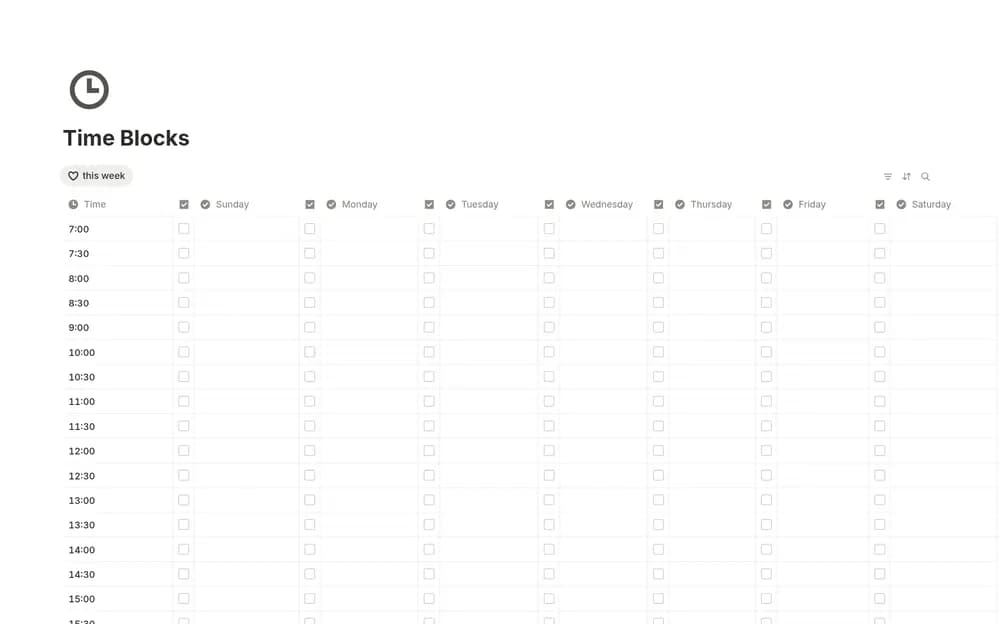
Time-block your entire week in Notion using 30-minute slots from morning to evening, checking off each block as you complete it.
 Free
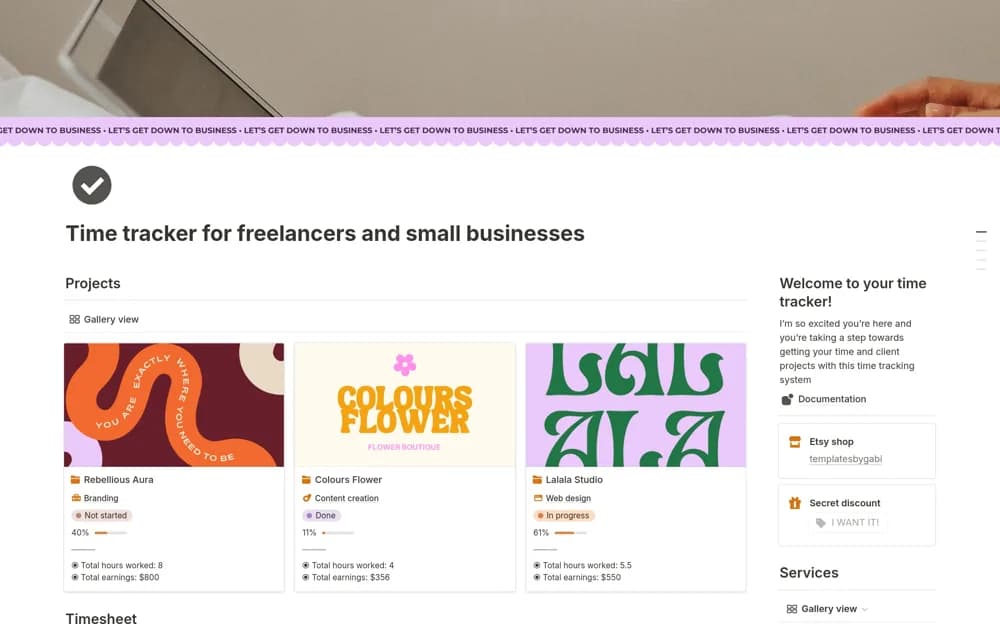
A client time tracker recording start and end times, billable work, project estimates, calculated earnings, and reports.
 Free
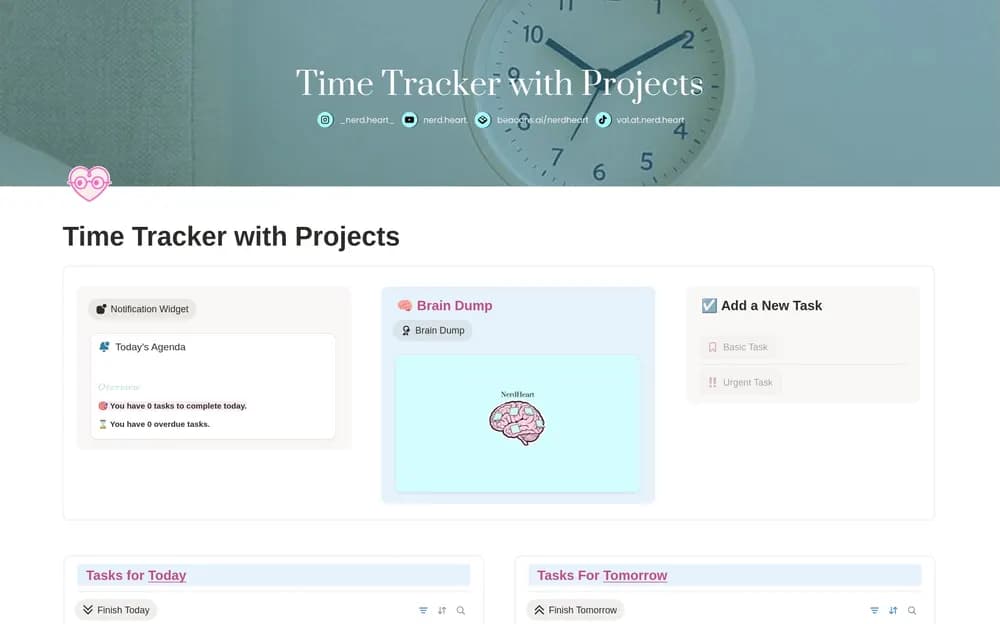
Plan today and tomorrow, manage tasks with quick-add buttons, and log hours per project in a Notion workspace that also includes a brain dump.
 Paid
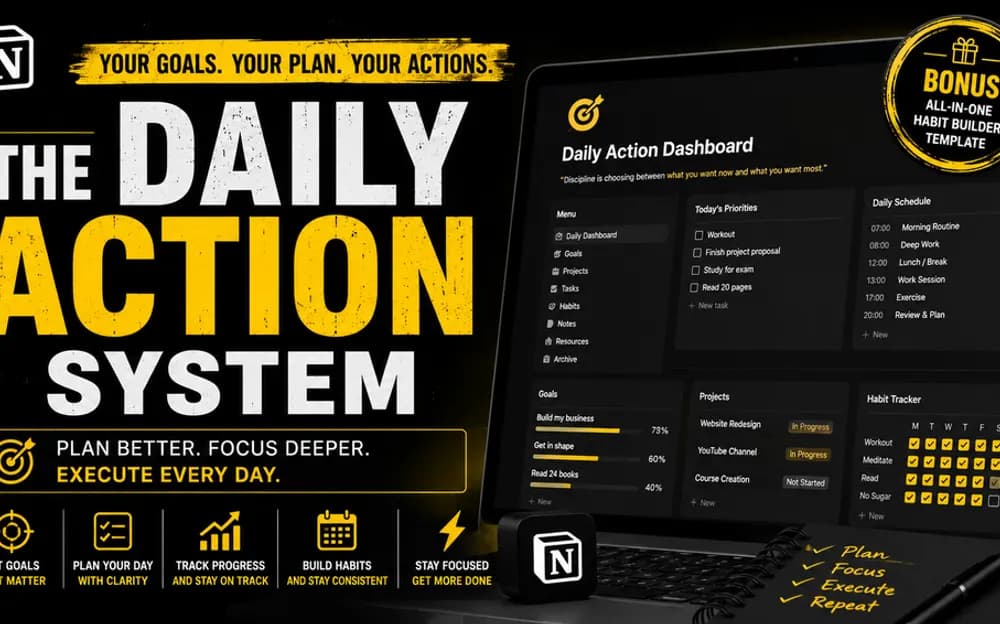
Plan each day from a Notion action dashboard with priorities, a daily schedule, goal progress, projects, and a bonus habit builder template.
 Free
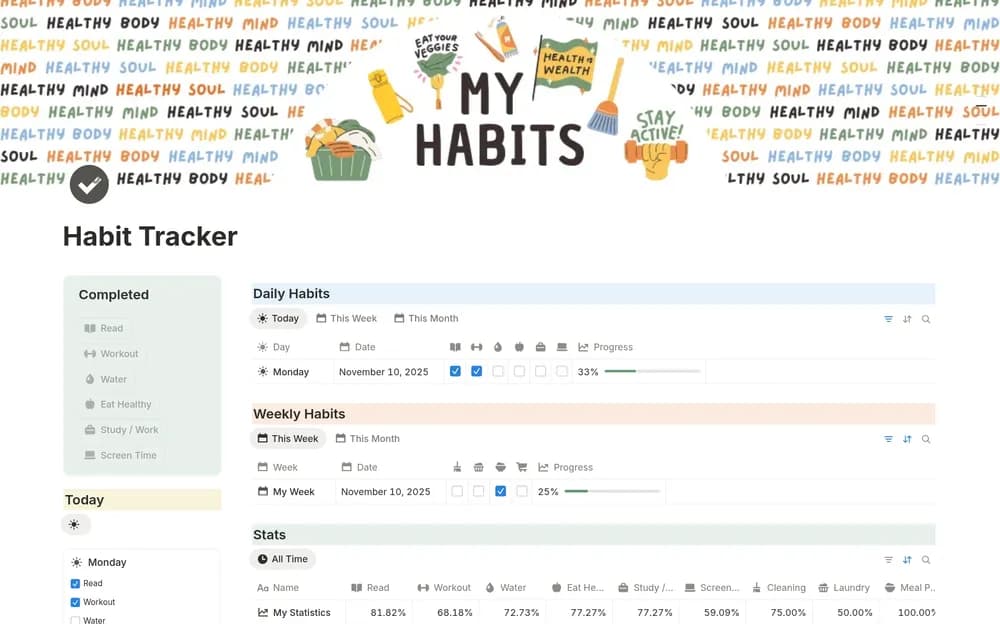
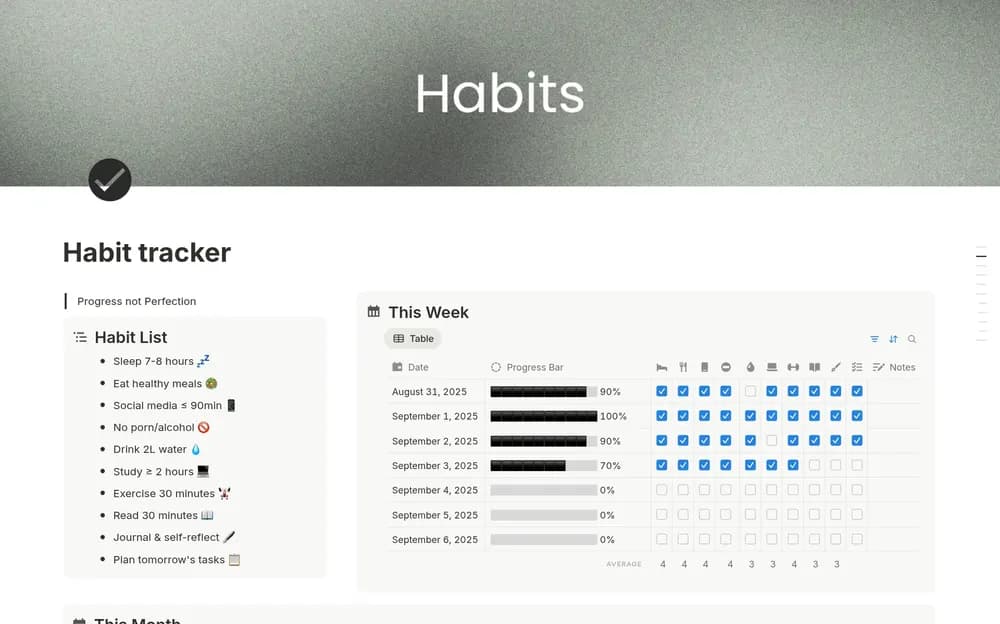
Track habits across weekly, monthly, and yearly views in Notion with completion bars, achievement percentages, streak badges, and a wins log.
 Free
Compare the purpose and included features before choosing a workspace.
People with ADHD, or anyone who struggles with focus, time blindness, and daily routines.
People who want a place to think before starting a task.
Professionals, freelancers, and students who want a connected personal system for projects and next actions.
55 working templates from 47 creators: 51 free and 4 paid, with paid options from $1 to $29. Links last checked November 22, 2026.
| Template | Best for | Price | Creator |
|---|---|---|---|
| ADHD Widgets: Calm Daily Tools | People with ADHD, or anyone who struggles with focus, time blindness, and daily routines. | Free | NotoMantra |
| Brainstorm & Pomodoro Room | People who want a place to think before starting a task. | Free | Haonmade Studio |
| Personal Productivity OS | Professionals, freelancers, and students who want a connected personal system for projects and next actions. | Free | heyismail.co |
| Productivity Hub | People looking for a central task workspace. | Free | Matt Bio |
| Simple Habit Tracker | People starting a manageable daily check-in. | Free | Katia Creates |
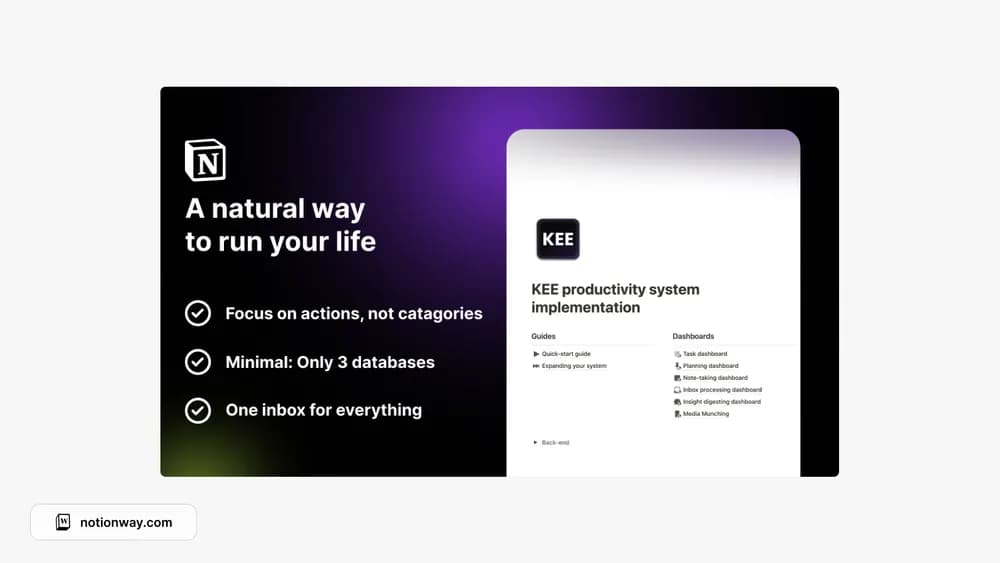
| The KEE productivity system | People comparing different personal planning approaches. | Free | Edwindoit.eth |
| Ultimate Daily Action Template | Creators, students, and professionals who want long-term goals turned into daily actions. | $9 | CERO |
| PARA Dashboard | People who want a clear organizing principle for notes and projects. | Free | Easlo |
Begin with the point where work usually stalls. If you forget tasks, try a simple capture list. If you struggle to choose, look for prioritization. If you overbook, use a weekly plan with realistic space. The useful template is the one that helps with your particular bottleneck and still feels manageable on a busy day.
A clear next action
Realistic planning
Low-friction capture
About the directoryUse quick capture if commitments are forgotten, a priority view if choosing is difficult, or a realistic weekly plan if you overbook. Keep the next action small and concrete. Review unfinished work before adding more so the system reflects actual capacity and current responsibilities.
Jump straight to any listing in the collection.
Begin with one useful workflow, keep daily upkeep small, and review it after real use. Remove features that do not help your decisions before adding a larger setup.
It depends on the job you need it to do. Good starting points in this collection include ADHD Widgets: Calm Daily Tools (people with ADHD, or anyone who struggles with focus, time blindness, and daily routines), Brainstorm & Pomodoro Room (people who want a place to think before starting a task), Personal Productivity OS (professionals, freelancers and and students who want a connected personal system for projects and next actions). Compare the included features below, then try your first choice with a week of real information before moving everything across.
Yes. This collection currently includes 51 listings with a confirmed free creator offer, alongside 4 paid or freemium options. Use the Free filter to compare them. A free version can have different features from a creator’s paid upgrade, so check the original listing and current access terms before adding it to your workspace.