 Free
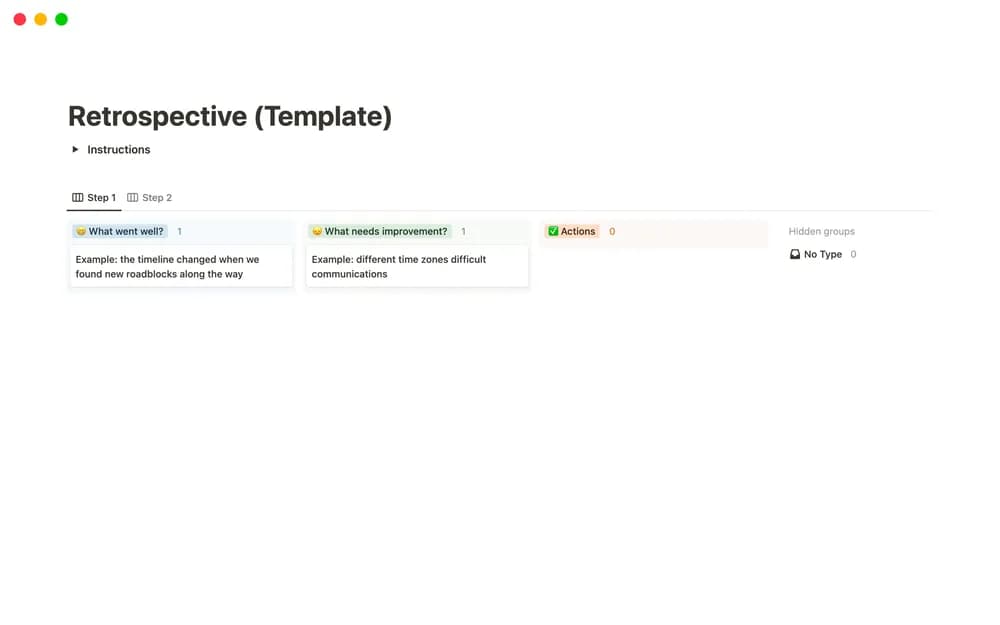
Software Development Retrospective
Give a development retrospective a clear place for observations and actions.
Keep scope, tasks, and deadlines in view. Browse Notion project templates for independent work, small teams, and projects with many moving parts.
Showing 37–50 of 50 templates
FreeGive a development retrospective a clear place for observations and actions.
 Free
 Free
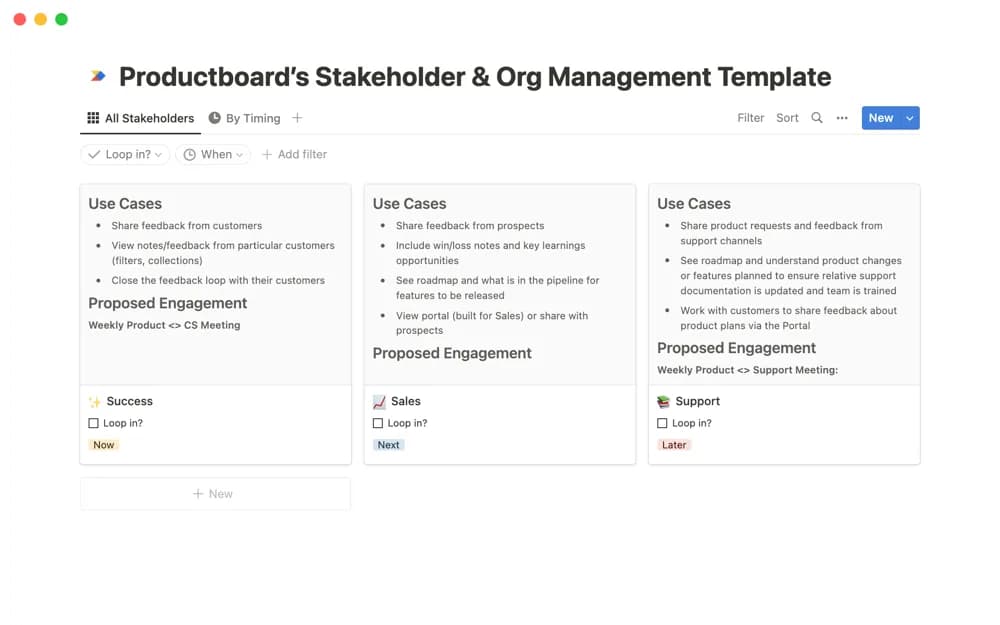
A project stakeholder planner with profiles, timing filters, and space to define involvement and engagement strategies for different situations.
 Free
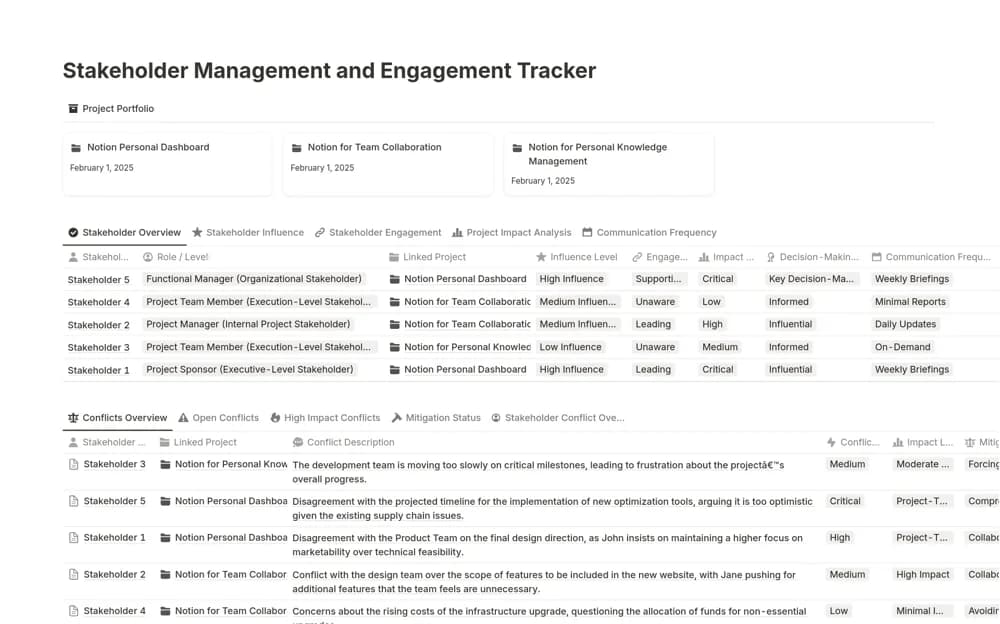
A stakeholder workspace recording roles, influence, engagement, and communication preferences, with a conflict log for documenting issues, impact, and resolution approaches.
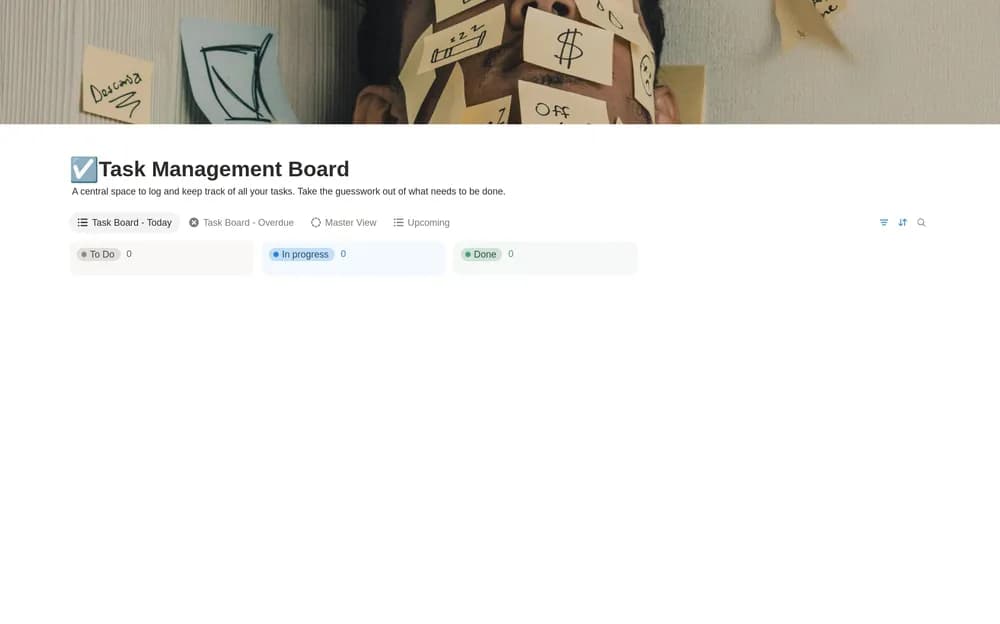 Free
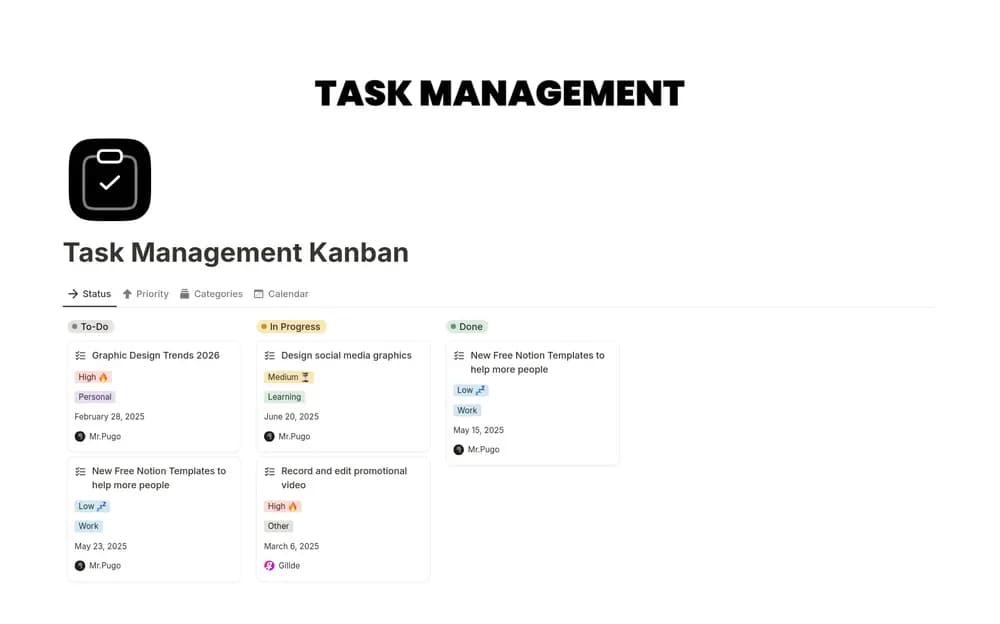 Free
Move tasks through To-Do, In-Progress, and Done columns on a Notion Kanban board with priority levels, assignees, attachments, and calendar views.
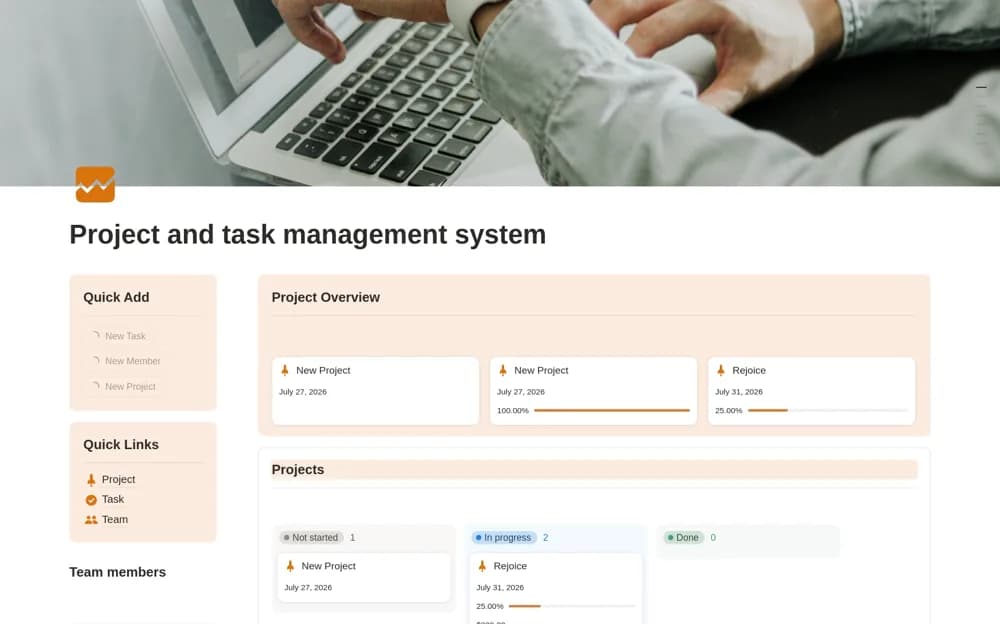 Free
A project and task dashboard with team assignments, progress states, deadline calendars, and quick-add actions.
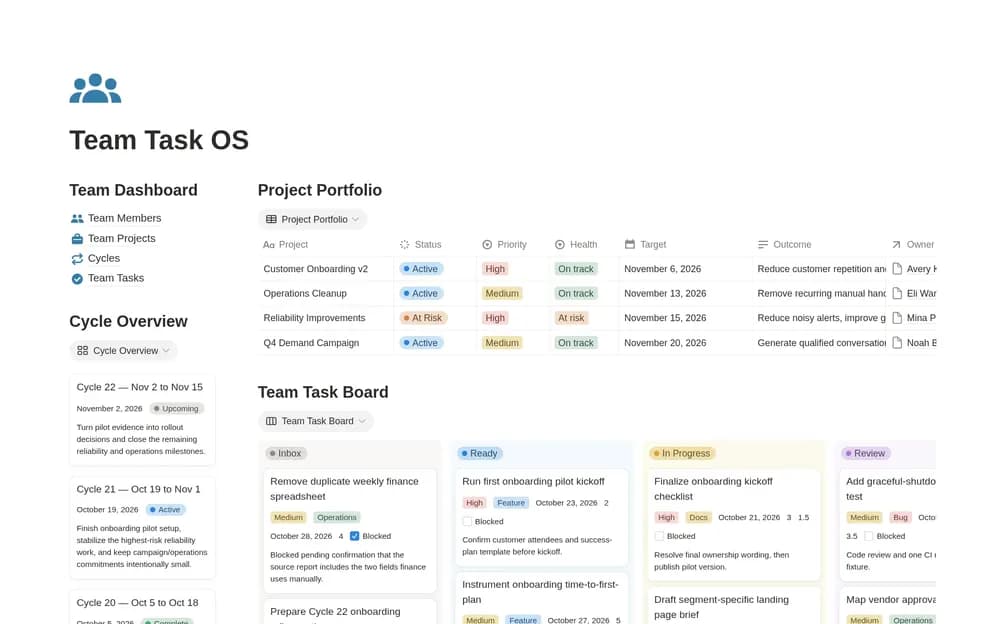 Free
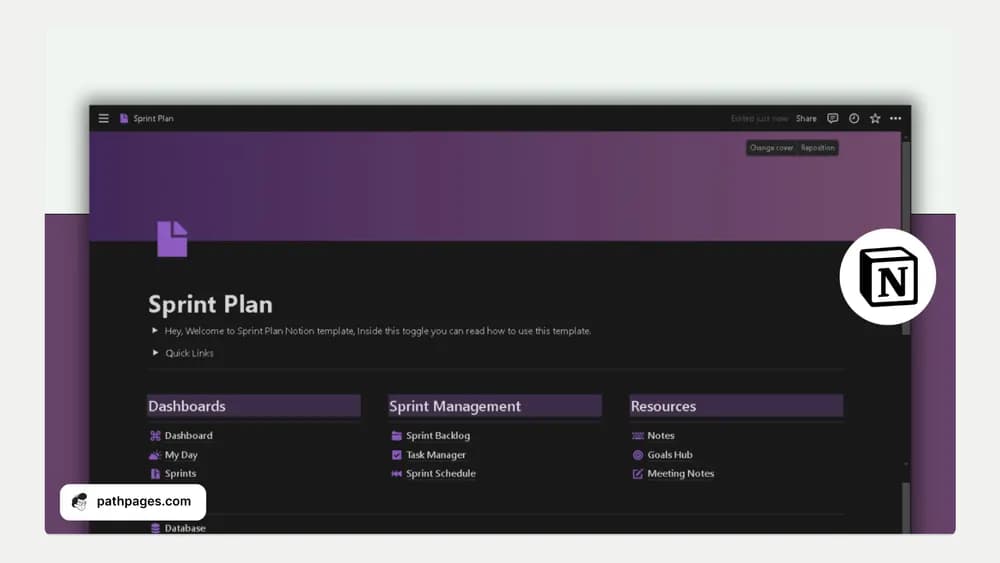
Coordinate a team’s work in Notion by linking team members, projects, sprint-style cycles, and assigned tasks in one connected workspace.
 Free
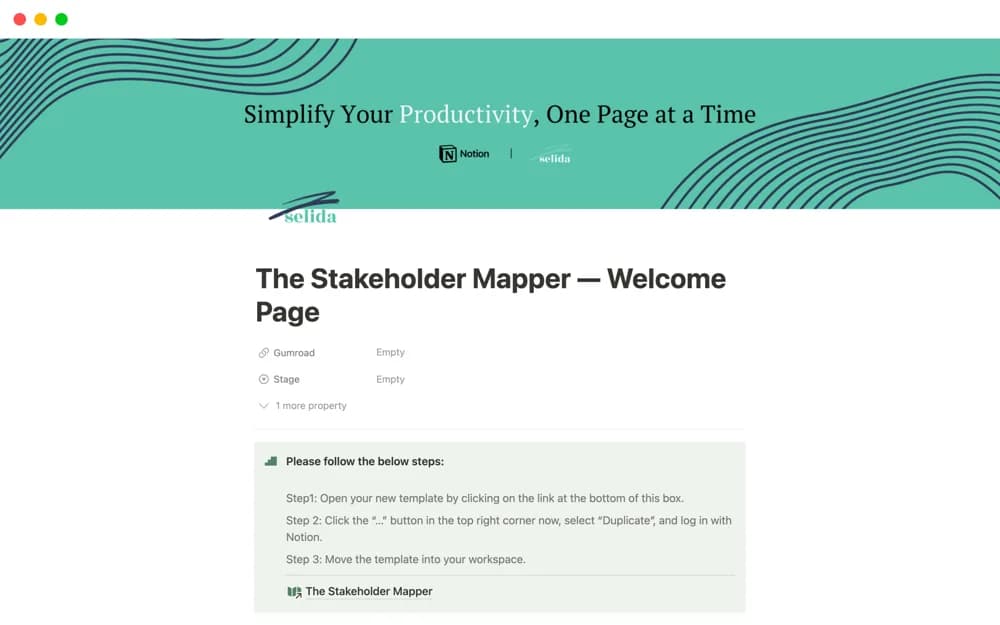
A focused stakeholder-mapping template using Mendelow’s Matrix and salience types to organize how different people relate to a project or decision.
 Free
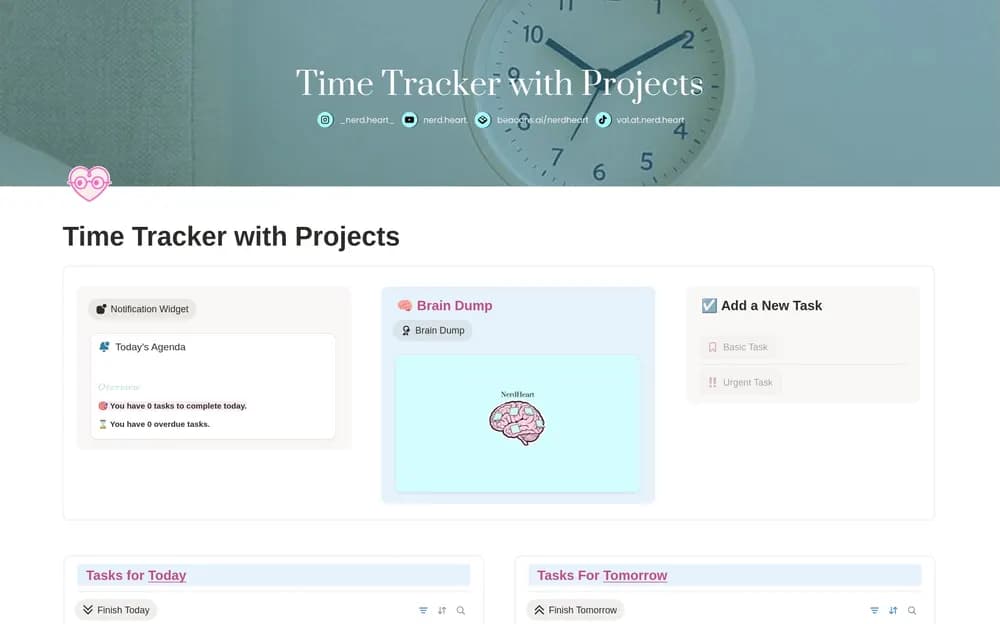
Plan today and tomorrow, manage tasks with quick-add buttons, and log hours per project in a Notion workspace that also includes a brain dump.
 Free
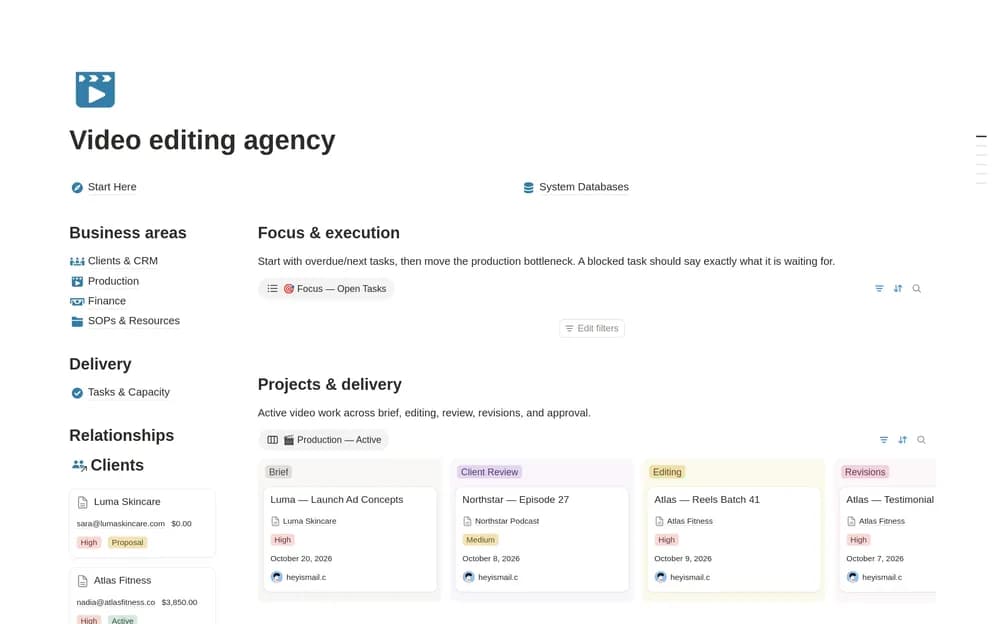
A workspace built around video-editing clients and delivery work.
 Free
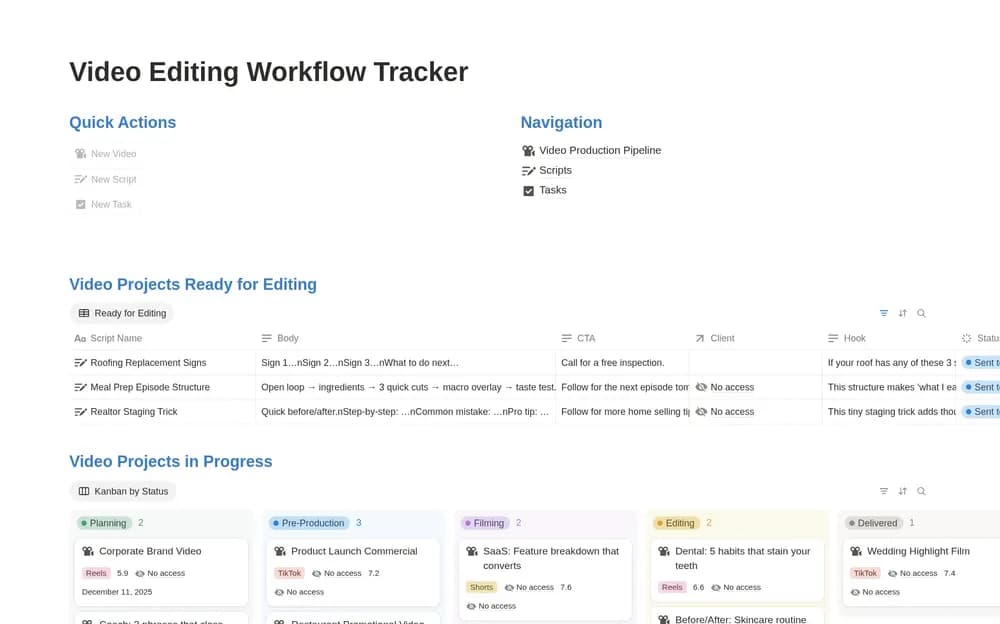
Track video editing tasks, revision requests, and post-production deadlines in Notion with a workflow board, deadline calendar, and dashboard.
 Paid
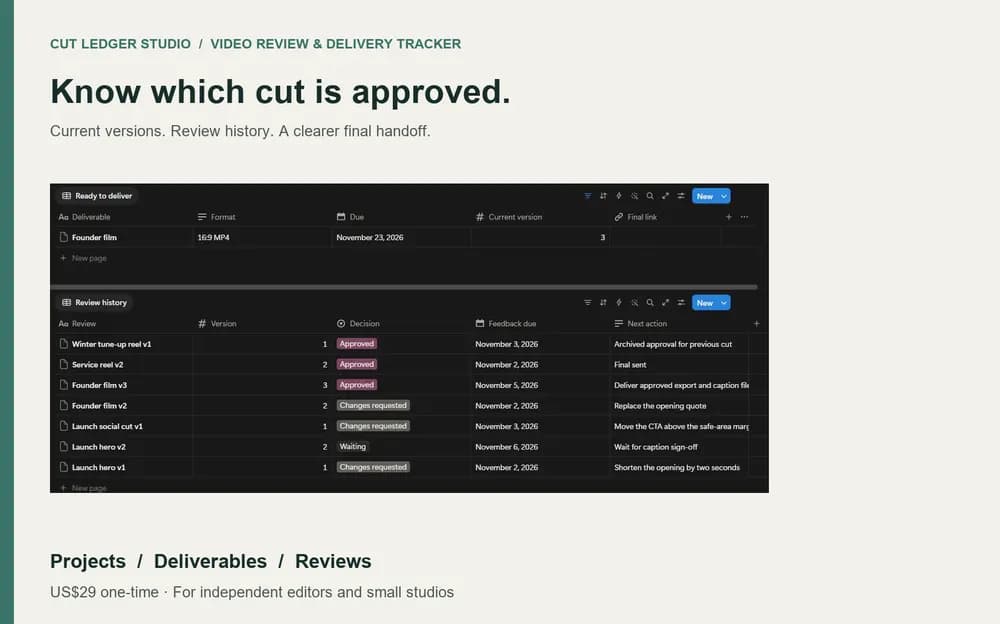
Track video projects, each export and version-specific client approvals in Notion, so an older approval never clears a newer cut for final delivery.
 Free
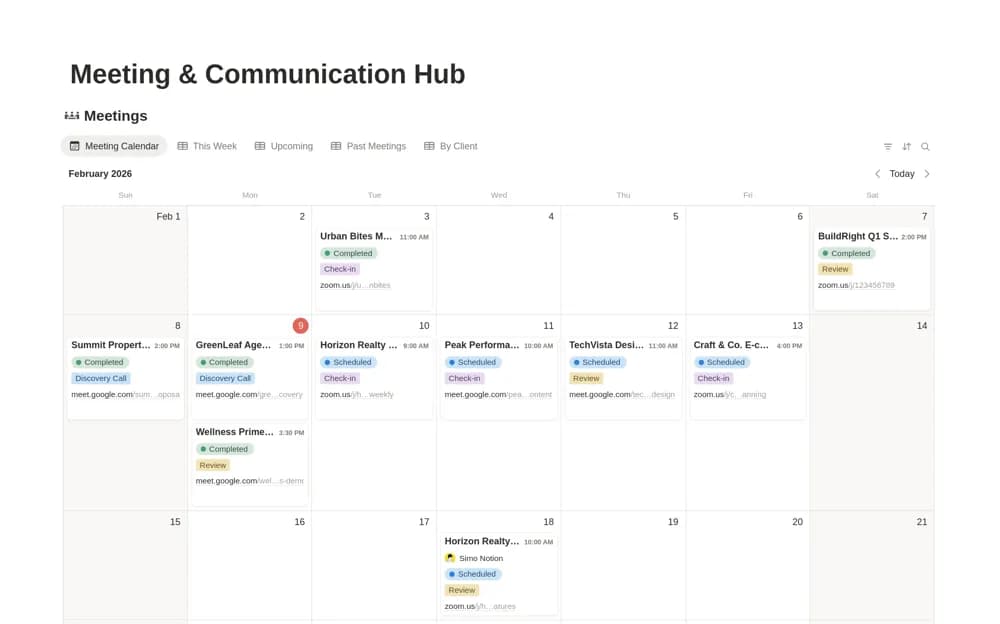
A meeting and client-history workspace for web agencies, with agendas, notes, attendees, actions, and views of upcoming meetings or past conversations.
Compare the purpose and included features before choosing a workspace.
Beginners managing personal, work, study, or home projects who want relations already set up.
People who prefer an aesthetic project workspace.
People managing several pieces of active work.
50 working templates from 36 creators: 41 free and 9 paid, with paid options from $9 to $169. Links last checked November 24, 2026.
| Template | Best for | Price | Creator |
|---|---|---|---|
| Aesthetic Project & Task Manager for Beginners | Beginners managing personal, work, study, or home projects who want relations already set up. | Free | Something Organized |
| Aesthetic Project Planner | People who prefer an aesthetic project workspace. | Free | mindstudyio |
| Notion Project Management | People managing several pieces of active work. | Free | Pathpages |
| Notion Project Tracker | People looking for a focused project overview. | Free | Abdul Rafay |
| Project Manager Pro | People coordinating several active projects. | Paid | Notion Everything |
| Team Task OS: Project, Sprint & Task | Small teams, startups, remote teams, and agencies that want a lightweight shared task system. | Free | heyismail.co |
| Freelance OS | Freelancers managing several client engagements. | Paid | Notion Everything |
| Agile Project Management | Teams organizing iterative delivery across projects and smaller tasks. | Free | Notion |
Choose a template around how the work moves. A board suits stages; a timeline suits dependencies and dates; a project page holds context. Check that each task has an owner and the project has a defined finish. Try one live project before standardizing the whole team on a template.
A clear project scope
Task ownership
A useful view of deadlines
About the directoryDefine the result the project must deliver and what is outside the scope. Break work into owned tasks with useful completion criteria, then connect dependencies and milestones. Record decisions and changes alongside the plan so a status update can explain what has moved and what needs attention.
Jump straight to any listing in the collection.
Choose the complexity the project needs. A small team may work well with a task board and decisions page; multiple workstreams may need milestones, dependencies, and a shared reporting view.
It depends on the job you need it to do. Good starting points in this collection include Aesthetic Project & Task Manager for Beginners (beginners managing personal, work, study, or home projects who want relations already set up), Aesthetic Project Planner (people who prefer an aesthetic project workspace) and Notion Project Management (people managing several pieces of active work). Compare the included features below, then try your first choice with a week of real information before moving everything across.
Yes. This collection currently includes 41 listings with a confirmed free creator offer, alongside 9 paid or freemium options. Use the Free filter to compare them. A free version can have different features from a creator’s paid upgrade, so check the original listing and current access terms before adding it to your workspace.