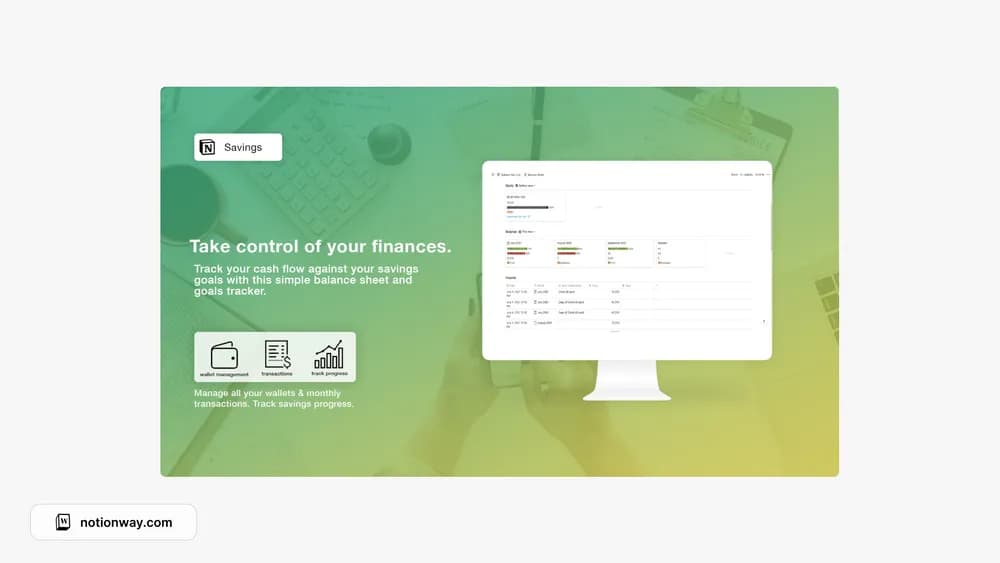
 Paid
Savings Goals & Balance Sheet
Keep a savings goal and a balance-sheet view in one place.
Build a clearer picture of everyday spending, savings, and recurring costs. Explore Notion templates for managing your own money records.
Showing 37–54 of 61 templates
PaidKeep a savings goal and a balance-sheet view in one place.
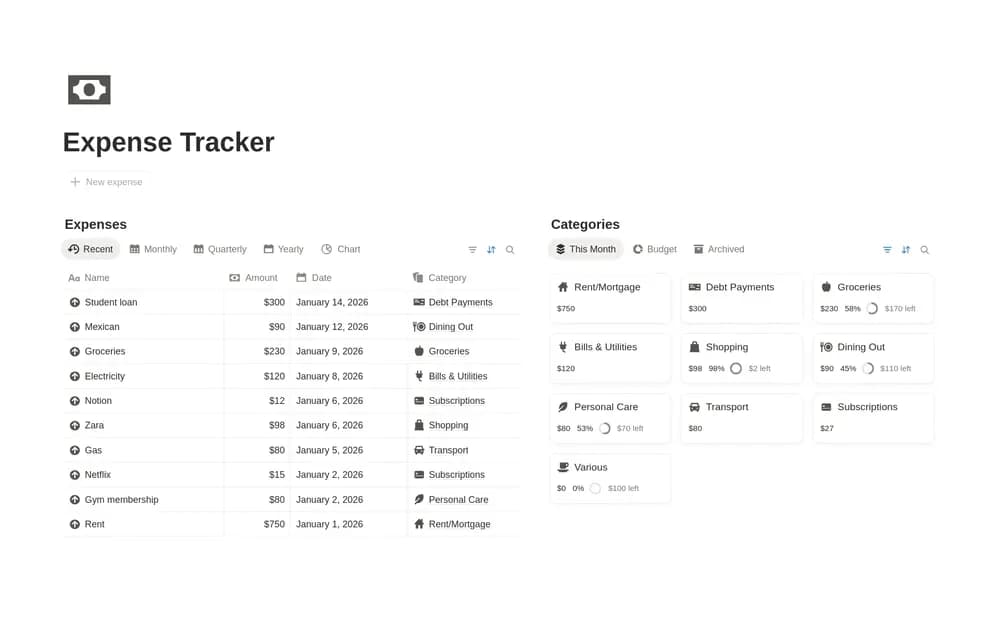 Free
Log spending in Notion against monthly category budgets, viewing expenses by month, quarter, year, category, or needs versus wants.
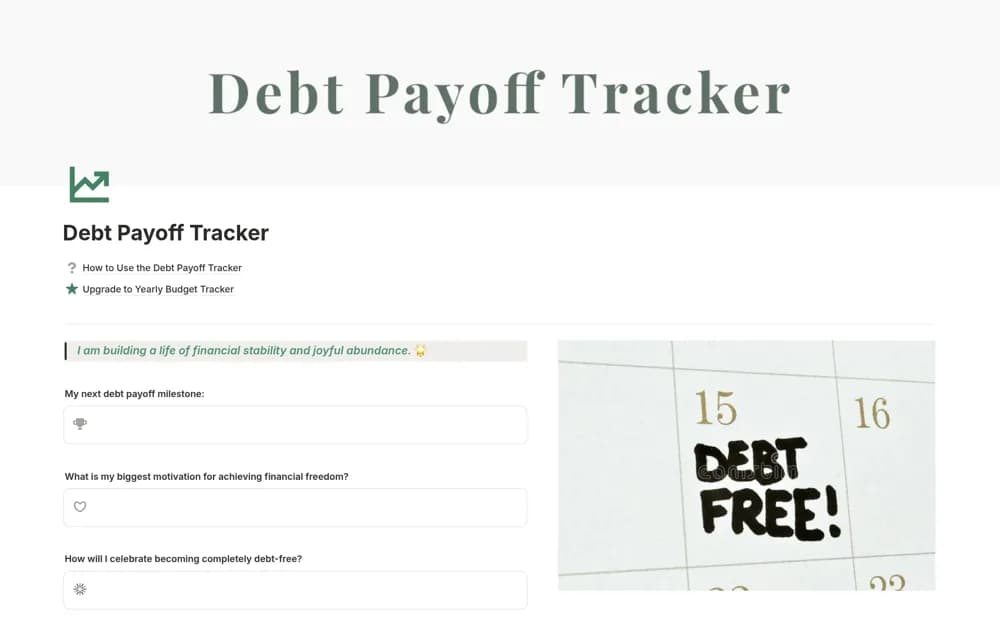 Free
A personal debt tracker with balances, rates, minimum payments, due dates, and two payoff-ordering approaches.
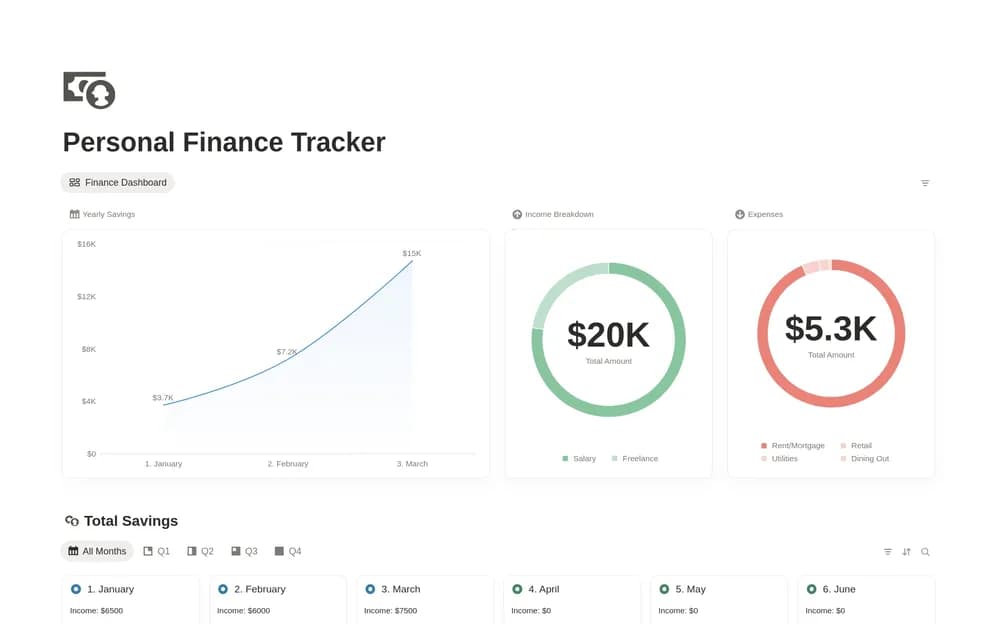 Free
Keep a clearer overview of personal income and spending records.
 Free
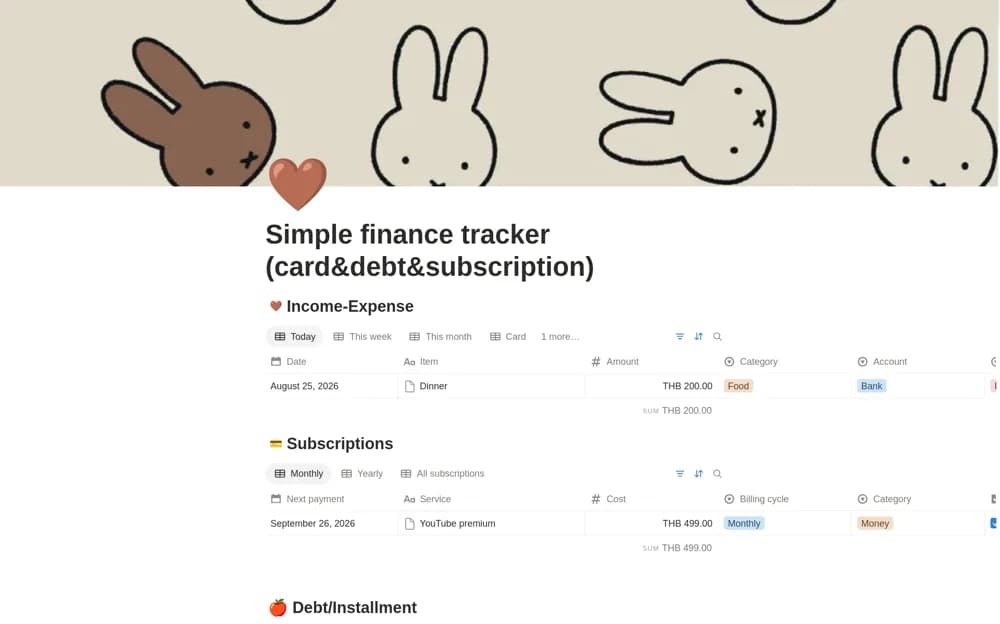
A phone-oriented personal finance tracker combining cards, subscriptions, installments, and time-based summaries.
 Free
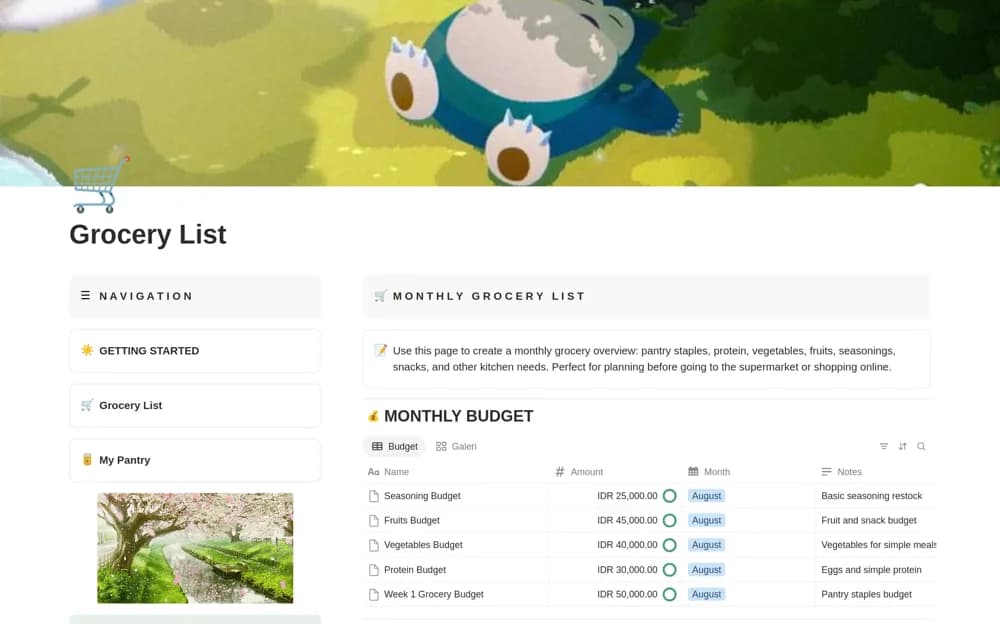
A monthly grocery planner with category lists, pantry needs, a budget tracker, spending estimates, and shopping reflections.
 Free
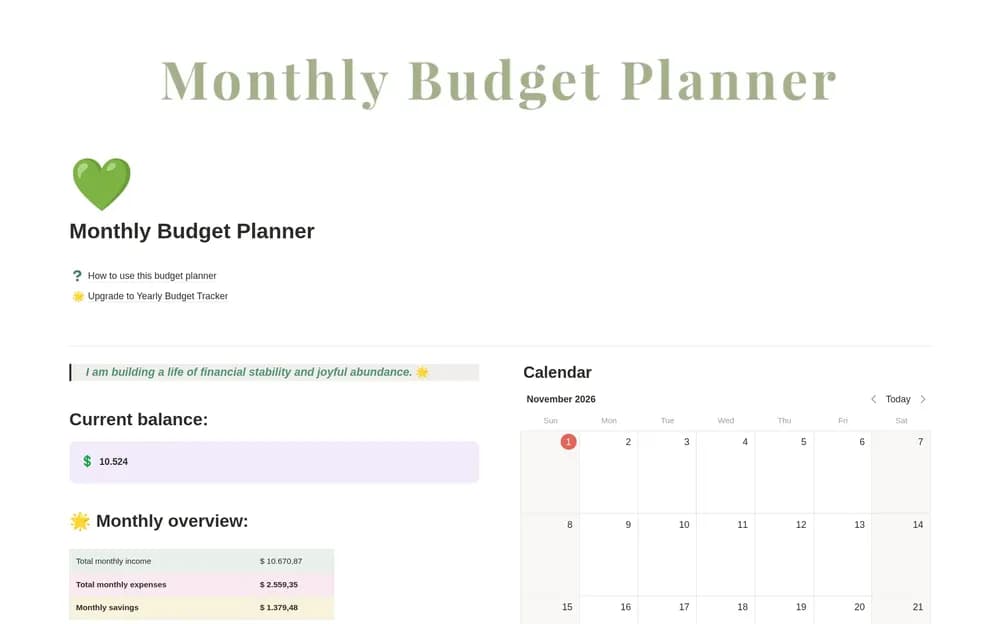
Plan each month’s money in Notion with an overview of income, bills, daily spending, debt repayments, and savings progress, plus a calendar view.
 Free
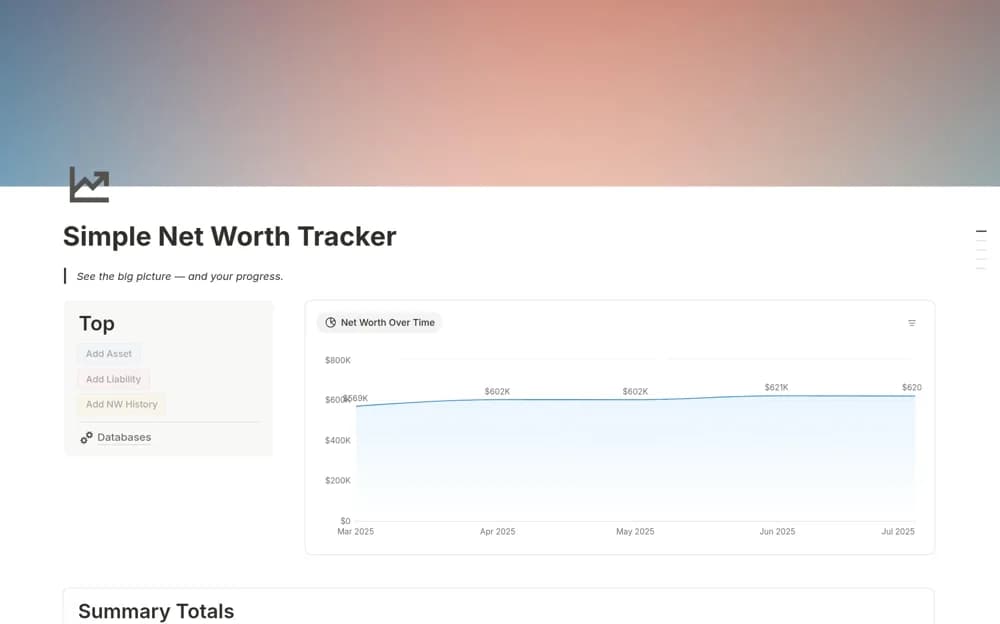
Record monthly assets and liabilities in Notion with account categories, net-worth history, summary totals, and a monthly chart.
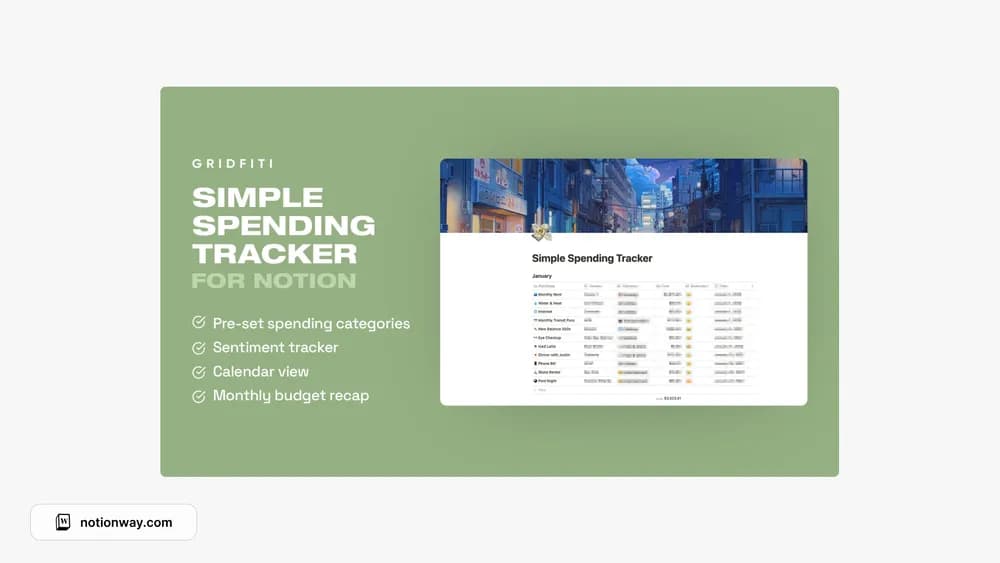 Free
Gridfiti’s simple spending tracker for a lighter logging routine.
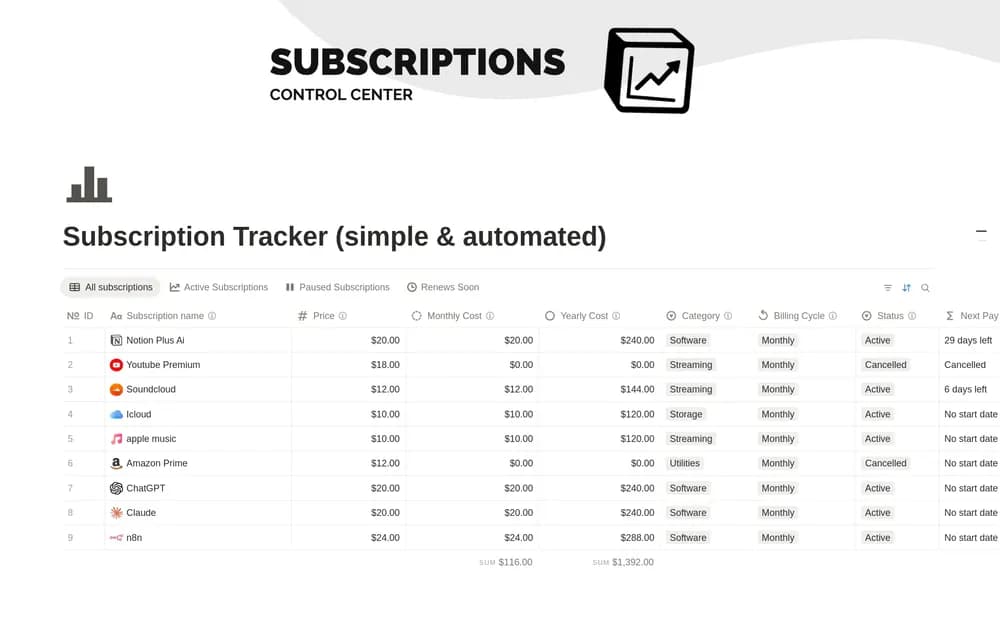 Free
List every recurring charge in Notion with monthly and yearly cost totals, a seven-day renewal view, a billing calendar, and spend-to-date figures.
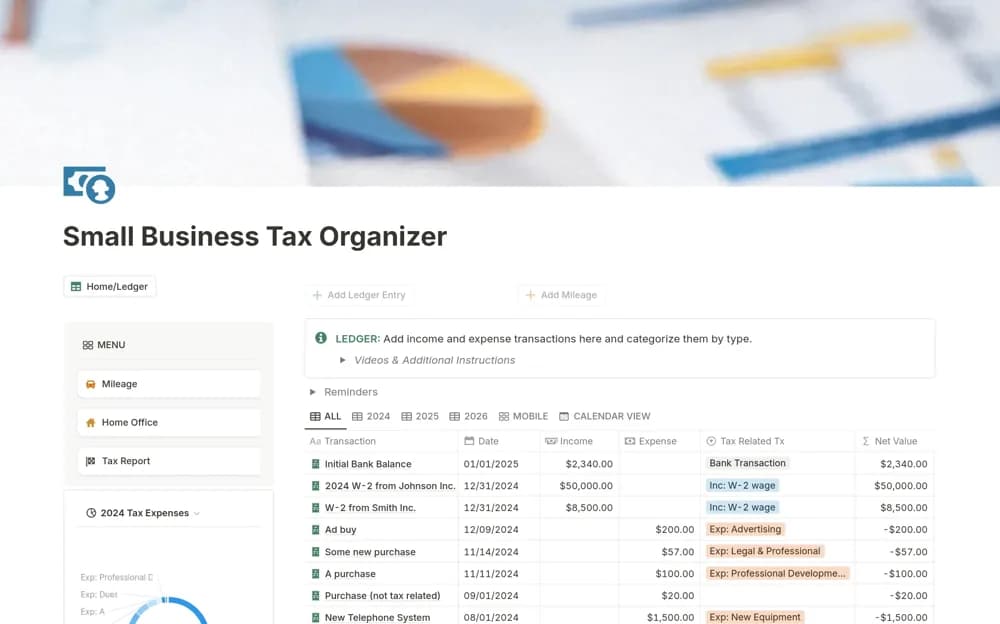 Free
A small-business record organizer for income, expense categories, home-office costs, mileage, and summary reporting.
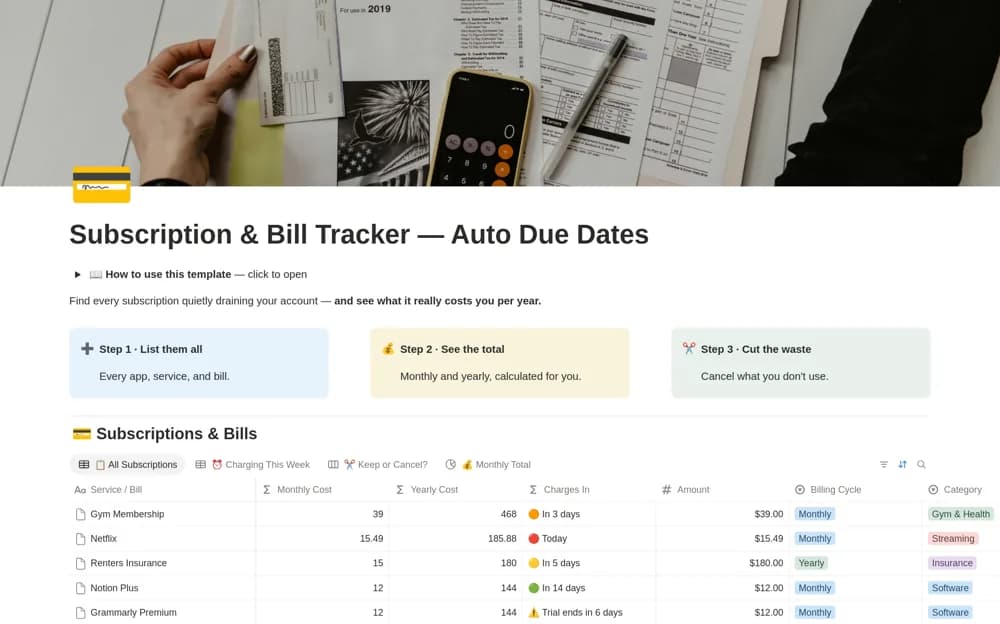 Free
Review recurring bills in Notion with rolling due dates, comparable monthly and annual costs, trial flags, and a keep-or-cancel board.
 Free
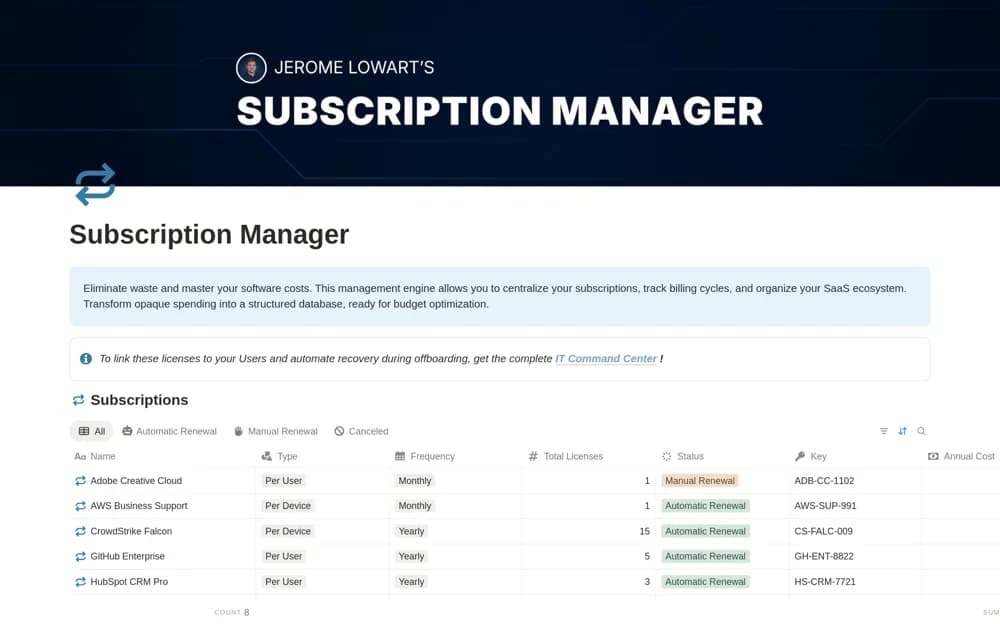
A software subscription register for vendor details, recurring costs, contract information, categories, and renewal dates.
 Free
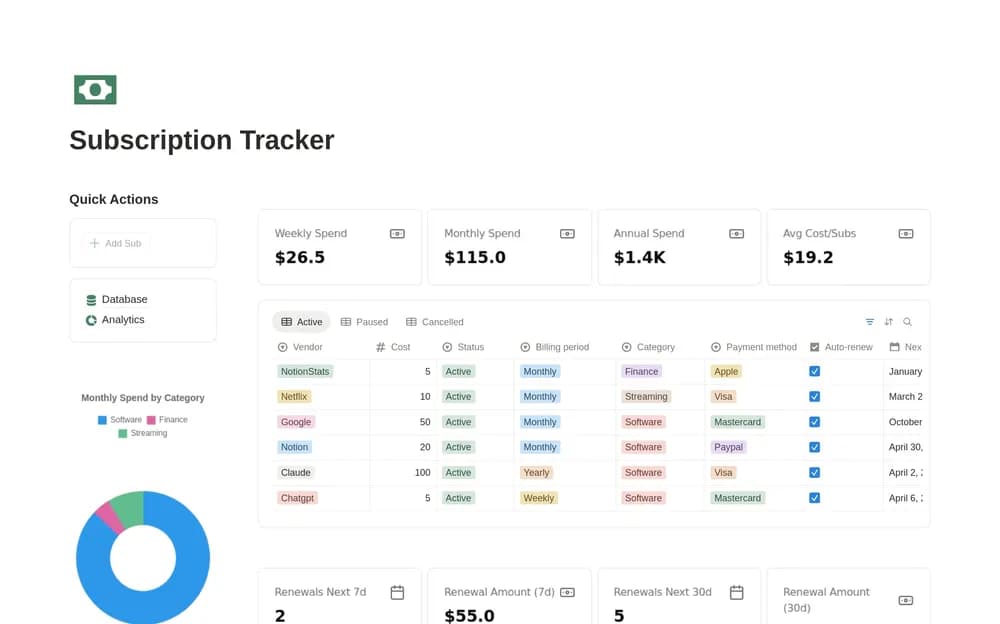
Analyze subscription spending in Notion with total, monthly, weekly, and annual figures, renewal counts, and charts by category, vendor, and card.
 Free
Decide where money goes before each week starts, sorting expenses into Must Pay, Important, and Optional and testing them against four decision checks.
 Free
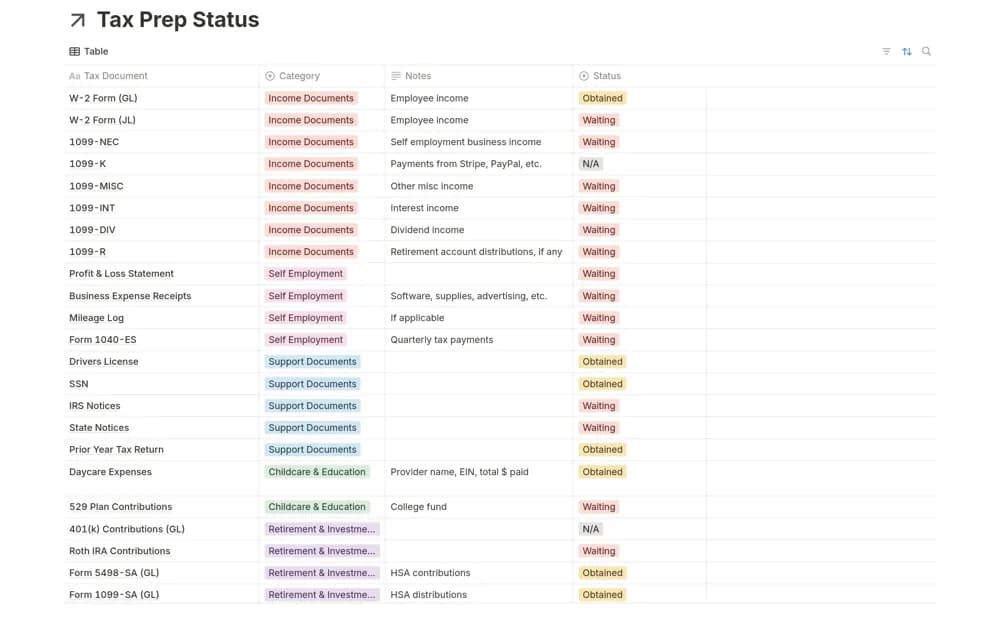
A reusable tax-preparation checklist and database for organizing documents received, missing items, and year-by-year follow-up.
 Free
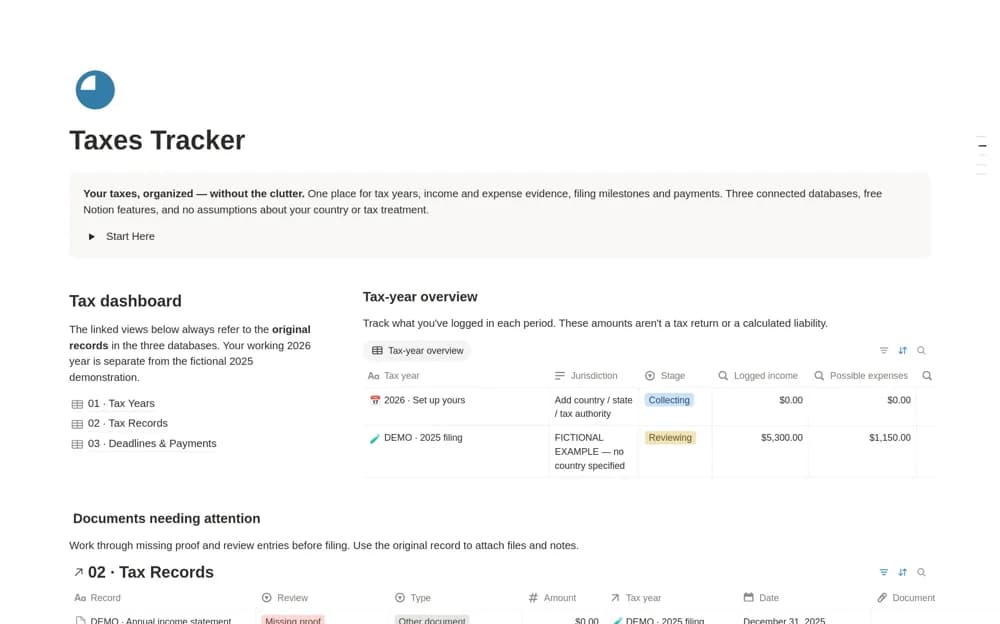
Collect tax-year records in Notion with income and supporting documents, jurisdiction notes, filing status, and missing-document reviews.
 Free
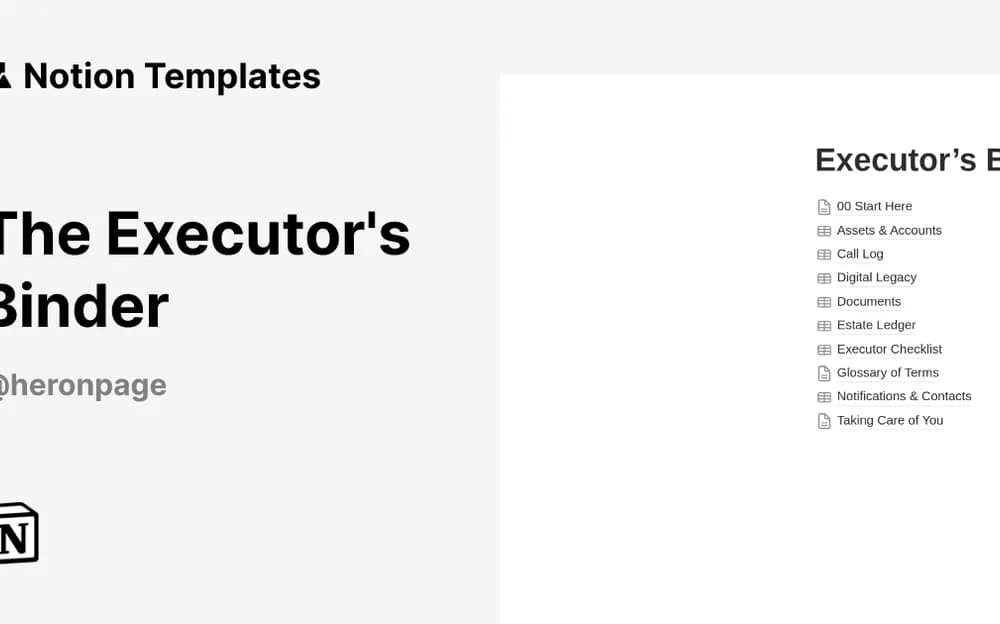
Handle an estate executor’s duties in Notion with a 60-step phased checklist, a notification tracker, asset records, an estate ledger, and a call log.
Compare the purpose and included features before choosing a workspace.
People organizing financial learning and personal records.
People comparing practical finance-tracking layouts.
People looking for a broader financial-record workspace.
61 working templates from 51 creators: 50 free and 11 paid, with paid options from $5 to $35. Links last checked November 24, 2026.
| Template | Best for | Price | Creator |
|---|---|---|---|
| Control Your Wealth | People organizing financial learning and personal records. | Free | Tom |
| Expense & Budget Tracker | People comparing practical finance-tracking layouts. | Free | Sentele |
| Finance Tracker Pro | People looking for a broader financial-record workspace. | Paid | Notion Everything |
| Finance Tracker: Budget, Income & Expense Planner | Beginners setting up a first finance system and existing trackers who want a cleaner, more visual layout. | Free | Pablo |
| Minimal Money Manager | Students, professionals, and freelancers who want a lightweight finance system with accounts and debts included. | Free | Izik |
| NoFi Personal Finance & Budgeting with Automated Data Entry | People who want a Notion budget but would rather not type every transaction in by hand. | Free | NoFi |
| Notion - Personal Finance Tracker | People comparing straightforward finance workspaces. | Free | Loegan |
| Notion 50/30/20 Budget Tracker | People who want to try a simple allocation framework. | Free | Raiu |
A personal-finance template should make the numbers understandable. Check how it treats transfers and which period its totals cover. If you want to budget with someone else, review the shared workflow too. Start with a single month so you can spot confusing categories before importing older records.
Understandable totals
Recurring cost tracking
Consistent categories
About the directoryRecord income, everyday expenses, recurring costs, and transfers using clear categories. Check totals against source statements before comparing periods. Keep estimates distinguishable from confirmed amounts and choose a regular review day so the workspace helps you notice changes rather than becoming a backlog of unentered transactions.
Jump straight to any listing in the collection.
Choose the level of detail you can maintain and explain. A clear budget or spending log may be more useful than a large dashboard with formulas or categories you do not understand.
It depends on the job you need it to do. Good starting points in this collection include Control Your Wealth (people organizing financial learning and personal records), Expense & Budget Tracker (people comparing practical finance-tracking layouts) and Finance Tracker Pro (people looking for a broader financial-record workspace). Compare the included features below, then try your first choice with a week of real information before moving everything across.
Yes. This collection currently includes 50 listings with a confirmed free creator offer, alongside 11 paid or freemium options. Use the Free filter to compare them. A free version can have different features from a creator’s paid upgrade, so check the original listing and current access terms before adding it to your workspace.