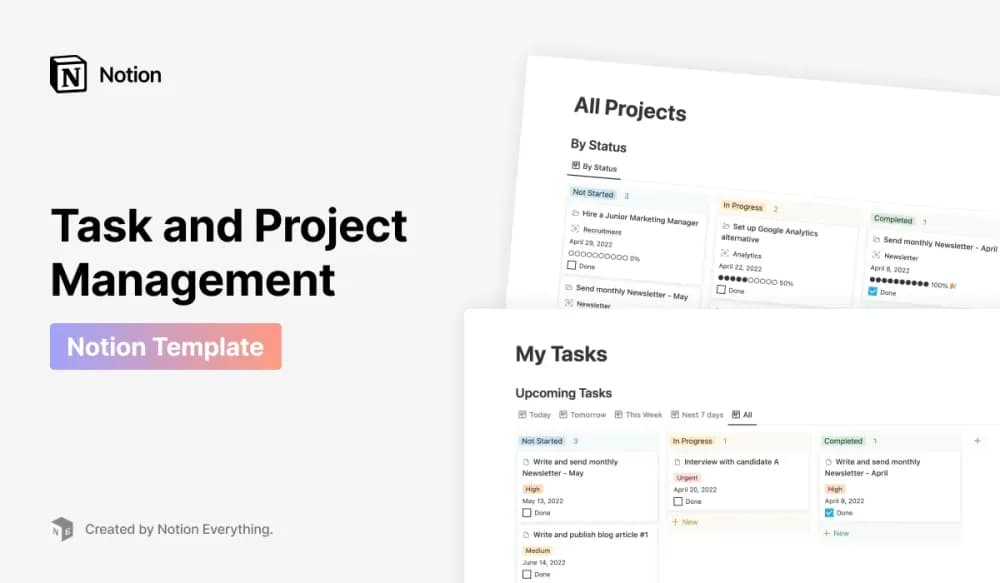
 Paid
Project Manager Pro
A connected Notion system for managing projects and the tasks behind them.
Get tasks out of your head and into a list you can act on. Find Notion task managers for daily work, projects, and personal plans.
Showing 37–54 of 60 templates
PaidA connected Notion system for managing projects and the tasks behind them.
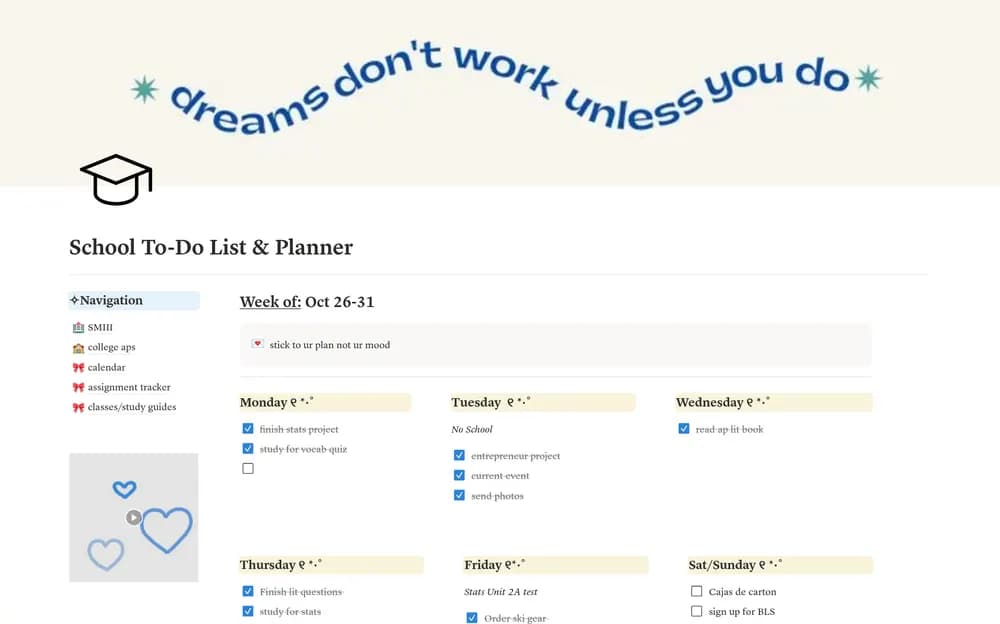 Free
Keep school assignments on track in Notion with a to-do list for each weekday, an assignment tracker, class pages, a calendar, and weekly goals.
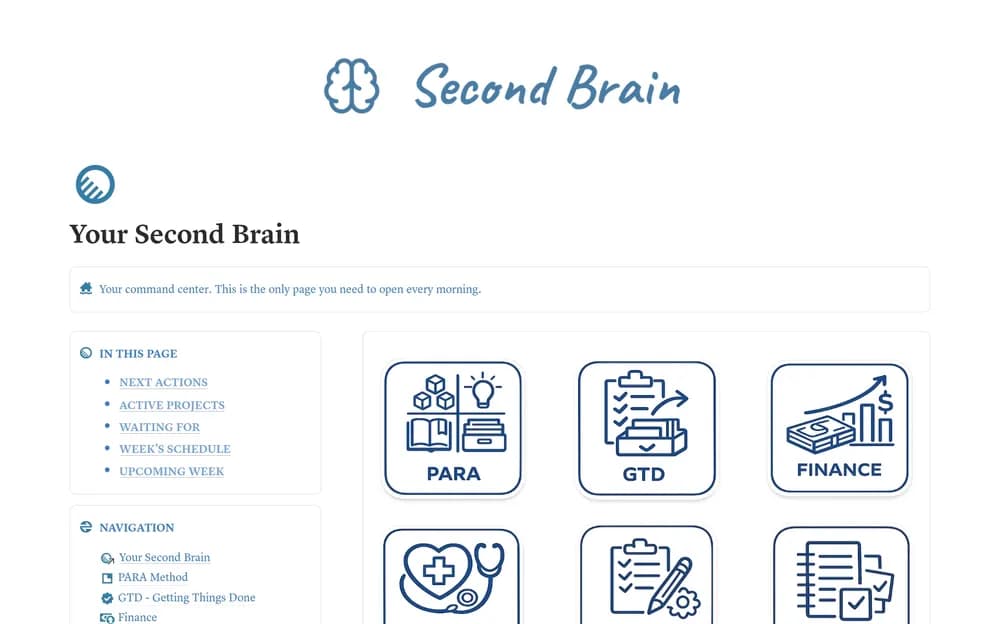 Free
Combine PARA organization with a full GTD workflow in Notion, linking tasks to projects, plus finance, health, habit, time, and note trackers.
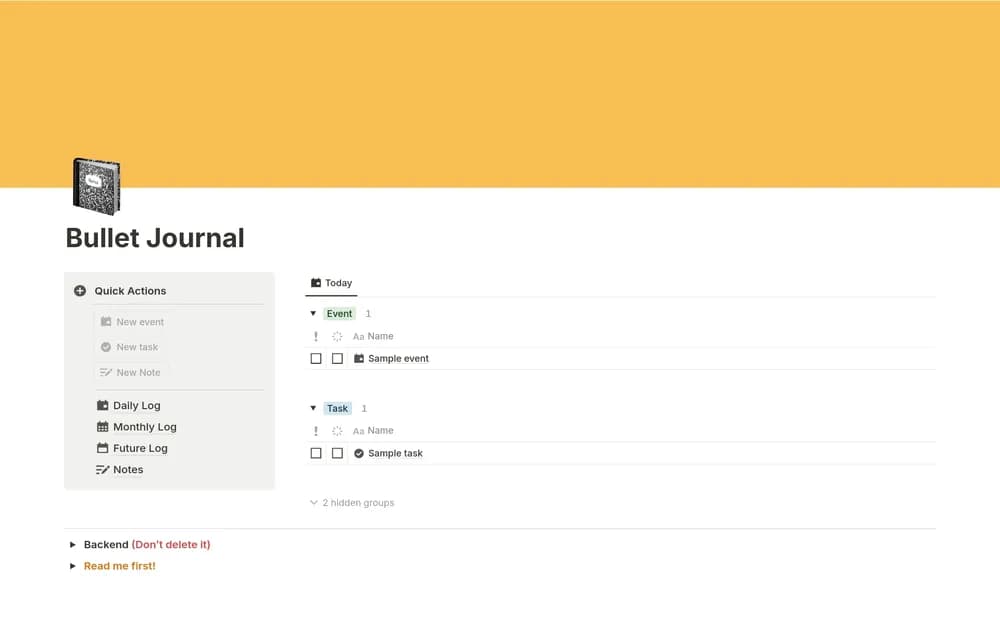 Free
Capture events, tasks, and notes the Bullet Journal way in Notion, using quick-add buttons, daily and monthly logs, a future log, and demo entries.
 Free
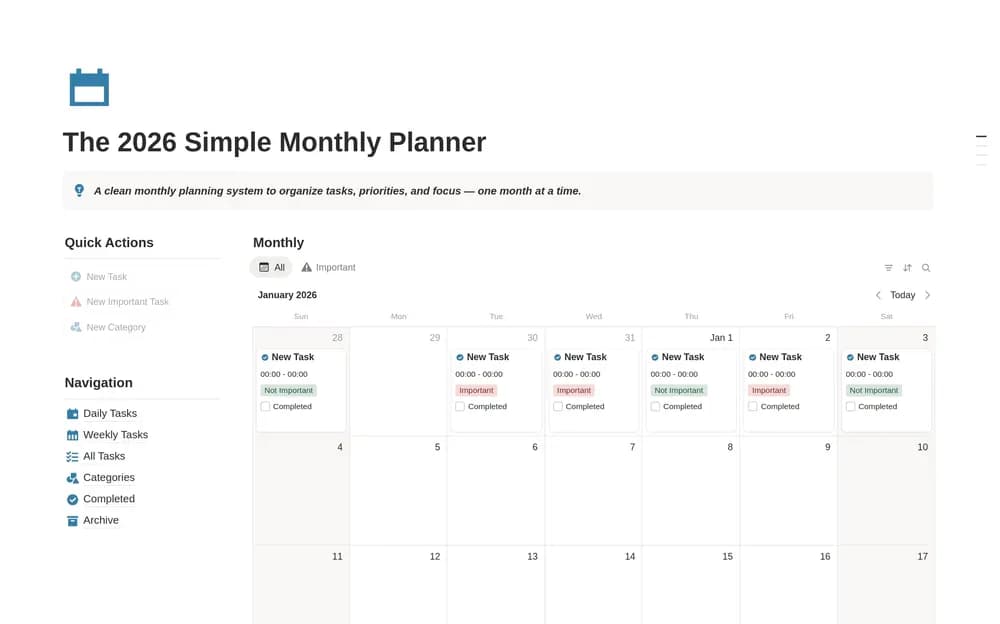
Map out a month in Notion with prioritized tasks and simple navigation between daily, weekly, and monthly views, kept free of dashboard clutter.
 Free
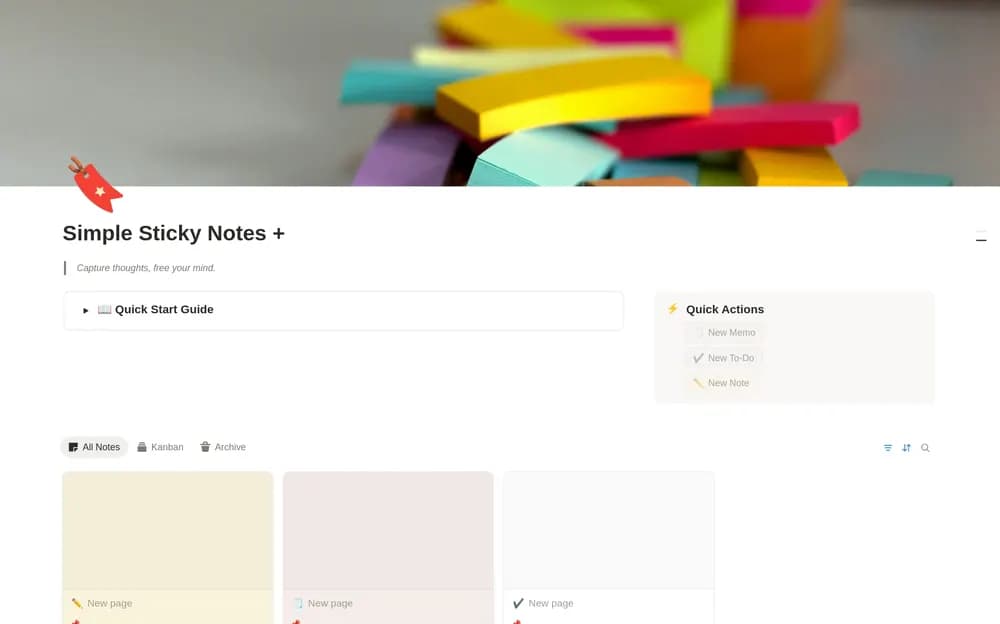
Capture memos, tasks, and quick notes as color-coded sticky notes in Notion using buttons, then pin key notes and archive finished ones in a click.
 Free
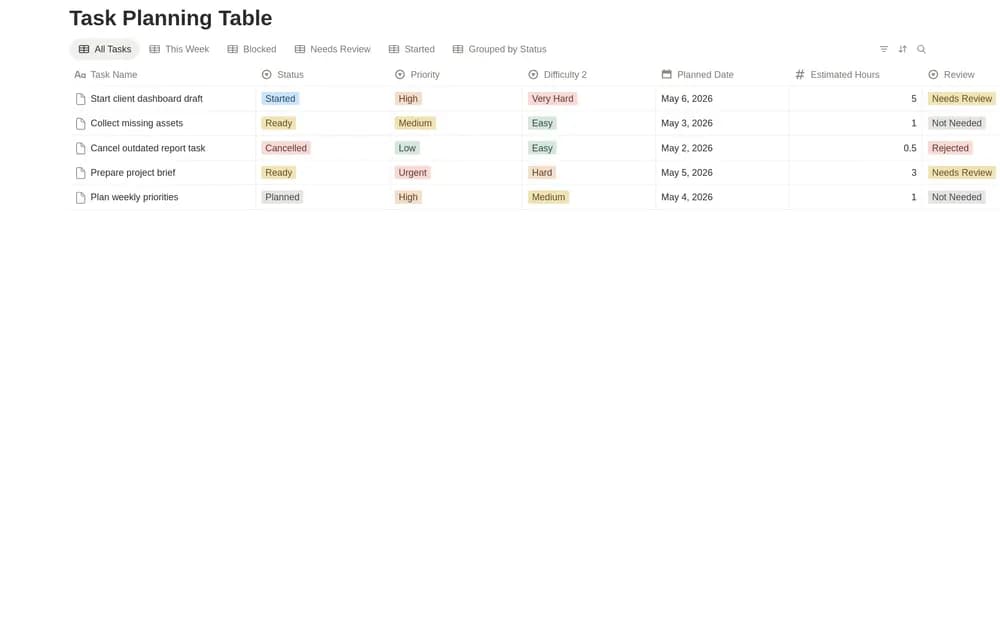
Plan and track tasks in one Notion table with status, priority, difficulty, estimated hours, assignees, and views for blocked or review items.
 Free
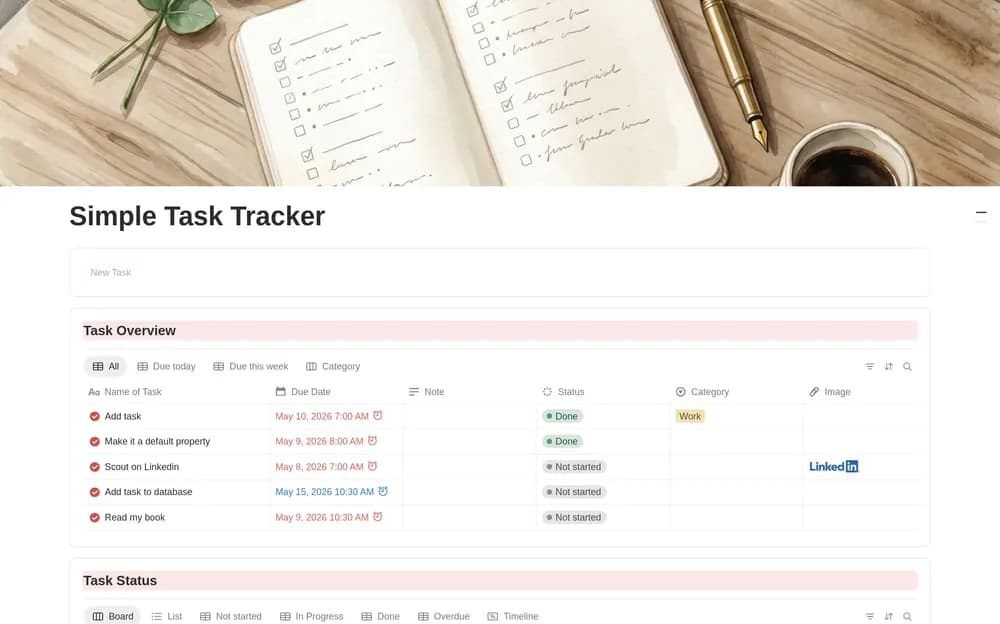
Manage daily tasks in Notion with due dates, priorities, simple status updates, sub-tasks, and Today, This Week, and Upcoming views on a minimal page.
 Free
Write to-dos in a quick checklist, drag them onto a Notion status board as they progress, and let completed tasks hide themselves after a month.
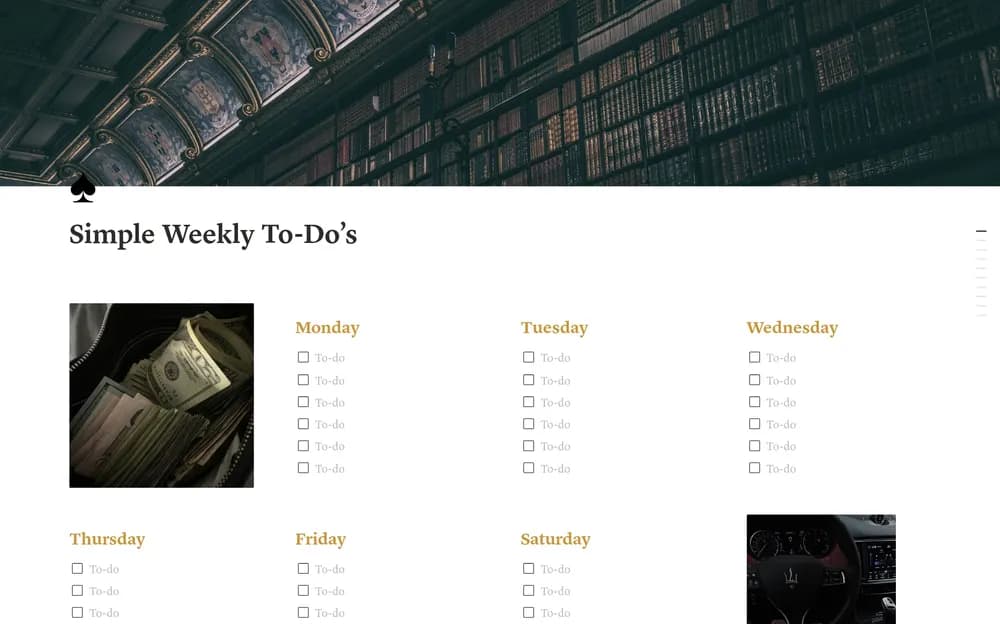 Free
Keep a basic weekly to-do list in Notion with space for each day, a simple calendar view, and a minimal design you can duplicate and start using.
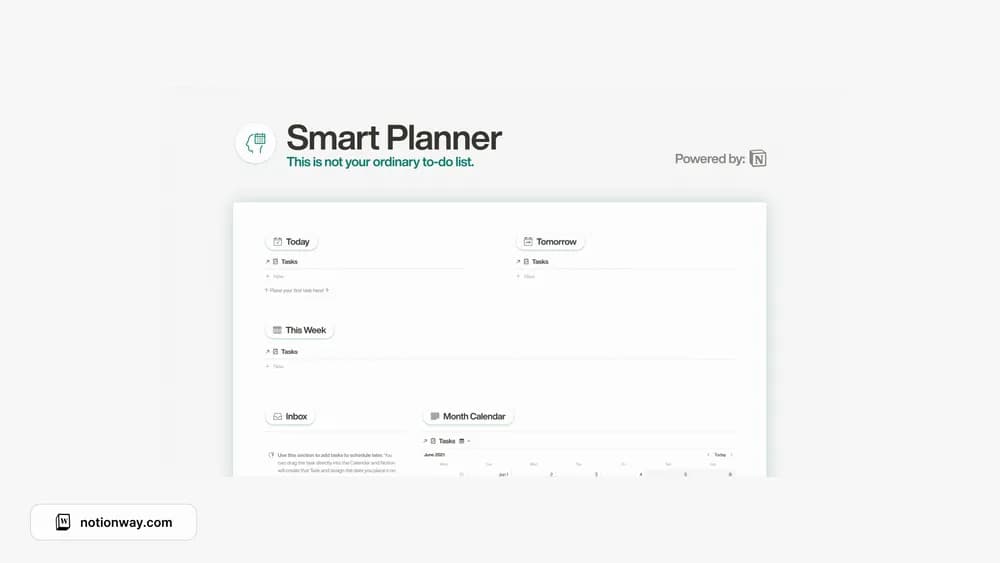 Paid
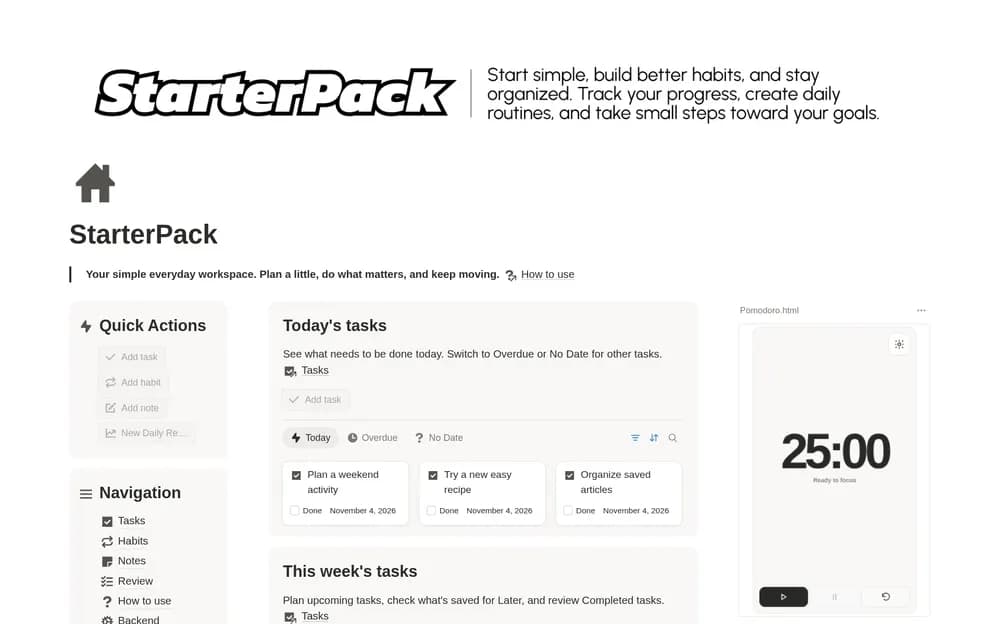 Free
Start with Notion using a beginner workspace for dated tasks, weekly habit checkboxes, quick notes, a three-prompt daily review, and a focus timer.
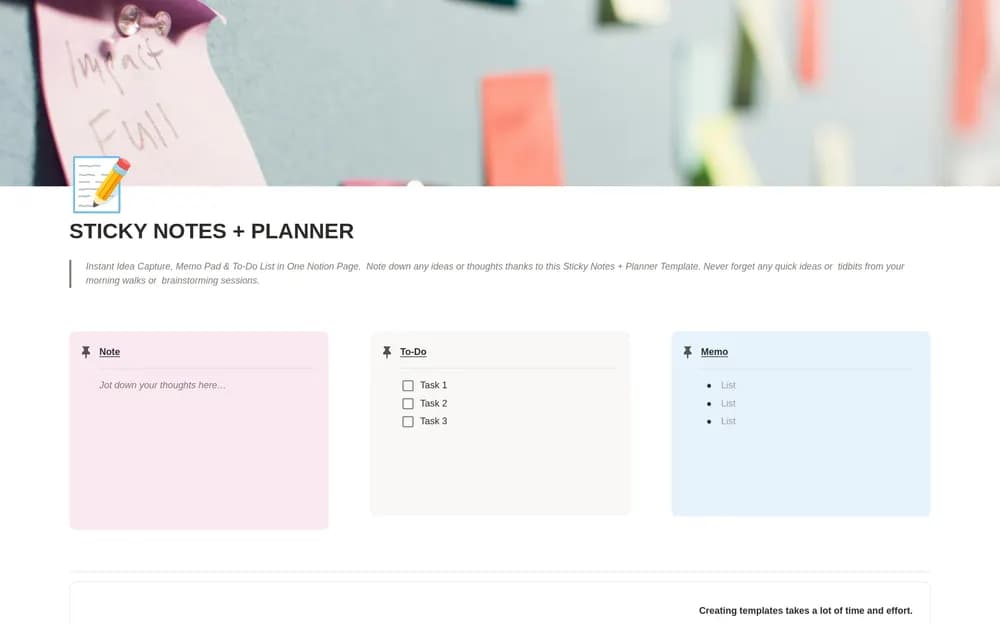 Free
Catch passing thoughts on a Notion page that combines a sticky-notes board for ideas, a memo pad for short lists, and a simple to-do checklist.
 Free
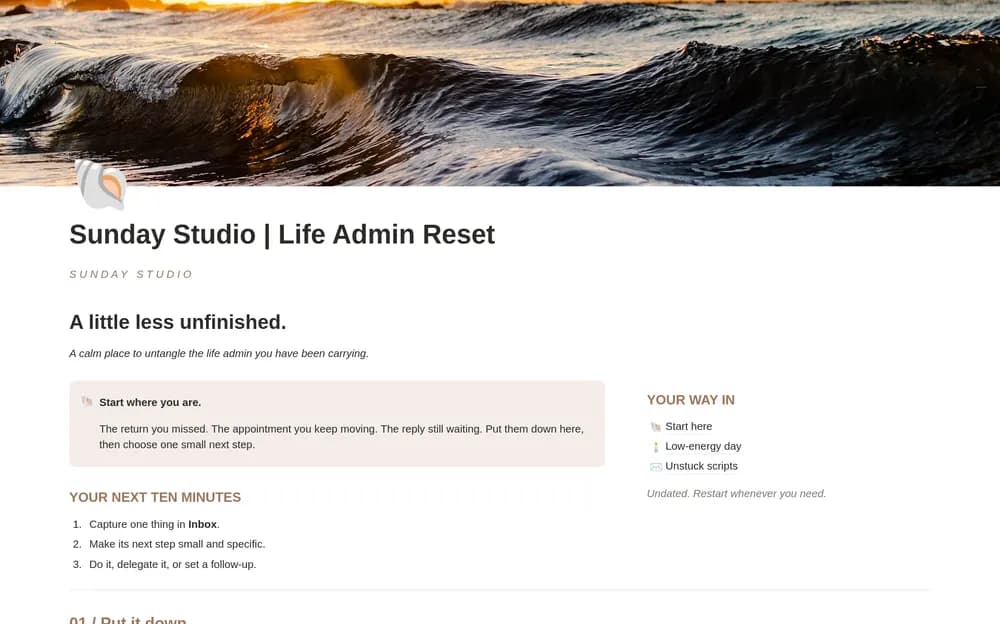
Turn loose life-admin tasks into clear next actions in Notion, moving each open loop through Inbox, Ready, Waiting, Later, and Closed stages.
 Free
 Free
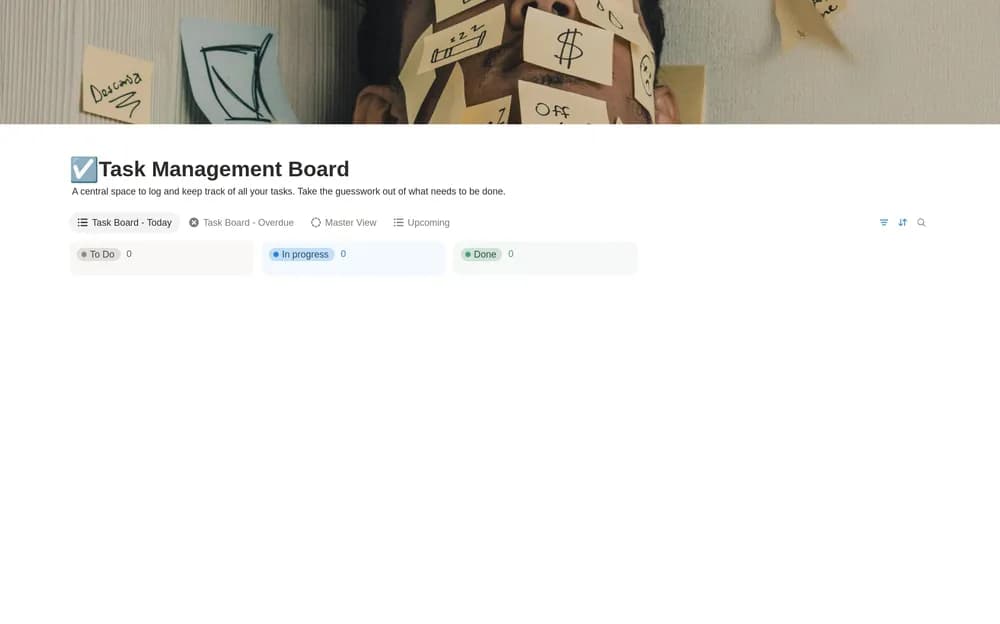
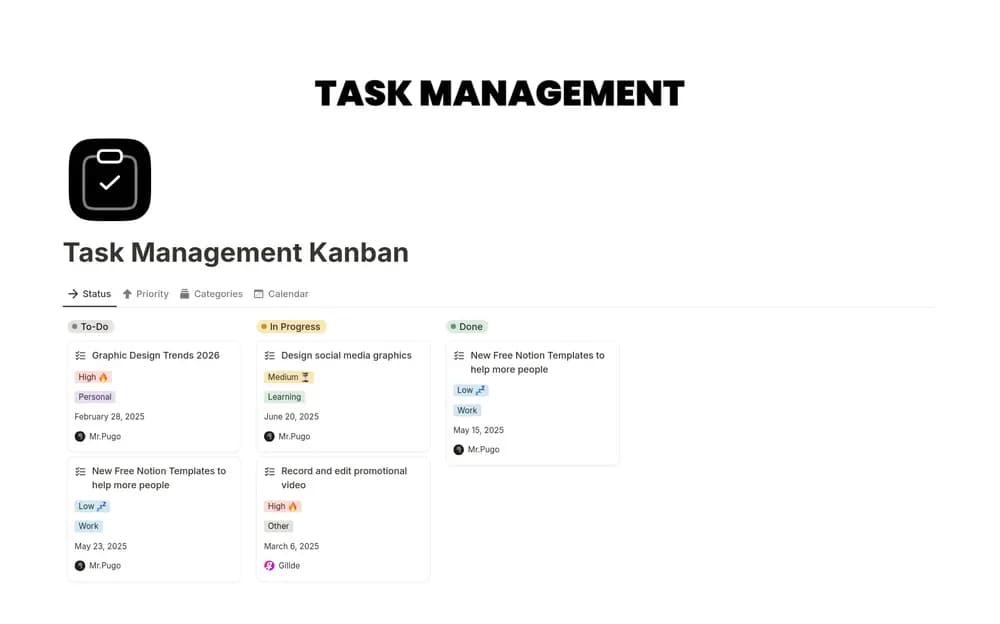
Move tasks through To-Do, In-Progress, and Done columns on a Notion Kanban board with priority levels, assignees, attachments, and calendar views.
 Free
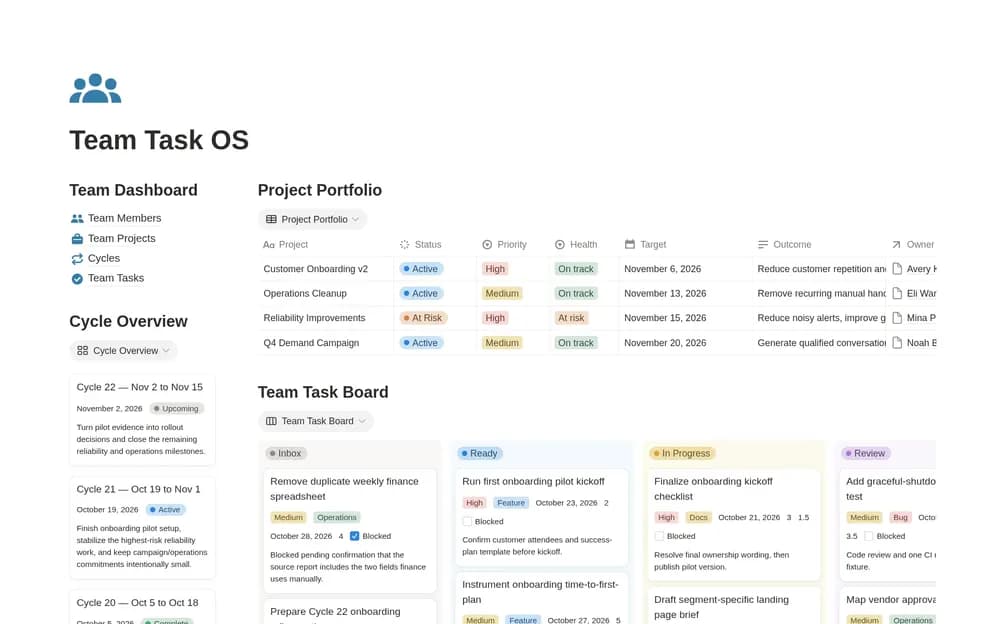
Coordinate a team’s work in Notion by linking team members, projects, sprint-style cycles, and assigned tasks in one connected workspace.
 Free
Compare the purpose and included features before choosing a workspace.
People who need help prioritizing a crowded task list.
People managing tasks across several projects.
People who want tasks grouped by responsibility.
59 working templates from 52 creators: 56 free and 3 paid, with paid options from $1 to $3.36. Links last checked November 22, 2026.
| Template | Best for | Price | Creator |
|---|---|---|---|
| Eisenhower's Priority Matrix | People who need help prioritizing a crowded task list. | Free | Balance Your Life Tools |
| Notion Task Manager | People managing tasks across several projects. | Free | Pathpages |
| Notion Task Manager 2 | People who want tasks grouped by responsibility. | Free | Pathpages |
| Simple Task Planning Table | Freelancers, solo builders, small teams, and students managing project work. | Free | Tunay Özdemir |
| Simple Task Tracker | Students, freelancers, and remote workers who want a straightforward task list without a complex system. | Free | Juliet | Systems Expert |
| Sunday Studio: Life Admin Reset | Busy adults catching up on returns, appointments, refunds, and other small personal follow-ups. | Free | Sara.Notion |
| Advanced To-Do List | Students and professionals who like seeing statistics on how many tasks they finish. | Free | Power Of Habits |
| Aesthetic Project & Task Manager for Beginners | Beginners managing personal, work, study, or home projects who want relations already set up. | Free | Something Organized |
A task manager should be easy to add to and easy to review. Check that you can distinguish the next action from a broad project name. Dates are useful when they mean something; putting an arbitrary deadline on everything can make the whole list feel late. Start with today’s real commitments.
Fast task capture
Clear next actions
Useful status and date fields
About the directoryKeep capture quick and separate broad projects from concrete next steps. Use dates for real commitments and status for work in progress. Review old tasks before adding more, and move inactive ideas out of the daily view so the list remains a useful guide to current work.
Jump straight to any listing in the collection.
Use deadlines when timing matters. Arbitrary dates on every task can make the whole list feel overdue and obscure real commitments. Priorities and next actions can be useful without an invented due date.
It depends on the job you need it to do. Good starting points in this collection include Eisenhower's Priority Matrix (people who need help prioritizing a crowded task list), Notion Task Manager (people managing tasks across several projects) and Notion Task Manager 2 (people who want tasks grouped by responsibility). Compare the included features below, then try your first choice with a week of real information before moving everything across.
Yes. This collection currently includes 56 listings with a confirmed free creator offer, alongside 3 paid or freemium options. Use the Free filter to compare them. A free version can have different features from a creator’s paid upgrade, so check the original listing and current access terms before adding it to your workspace.