 Free
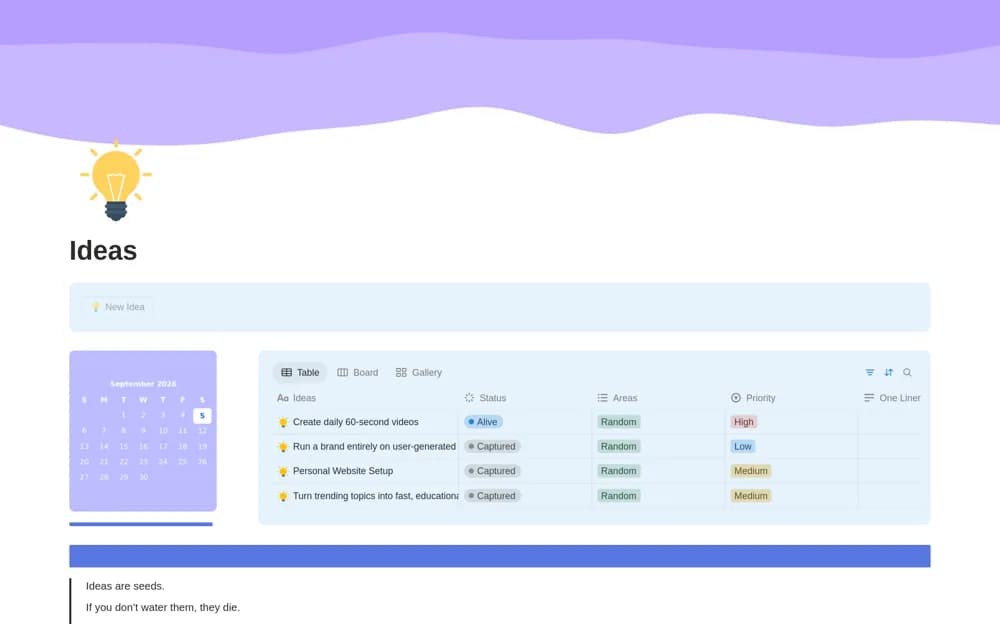
Ideas Vault – Minimalist Idea Tracker
Capture ideas in Notion with one-line summaries, area tags, priorities, and table, board, or gallery views for reviewing what to pursue.
Bring tasks, plans, and priorities into one place. Find a Notion system that makes it easier to decide what deserves your attention today.
Showing 73–90 of 206 templates
FreeCapture ideas in Notion with one-line summaries, area tags, priorities, and table, board, or gallery views for reviewing what to pursue.
 Free
 Free
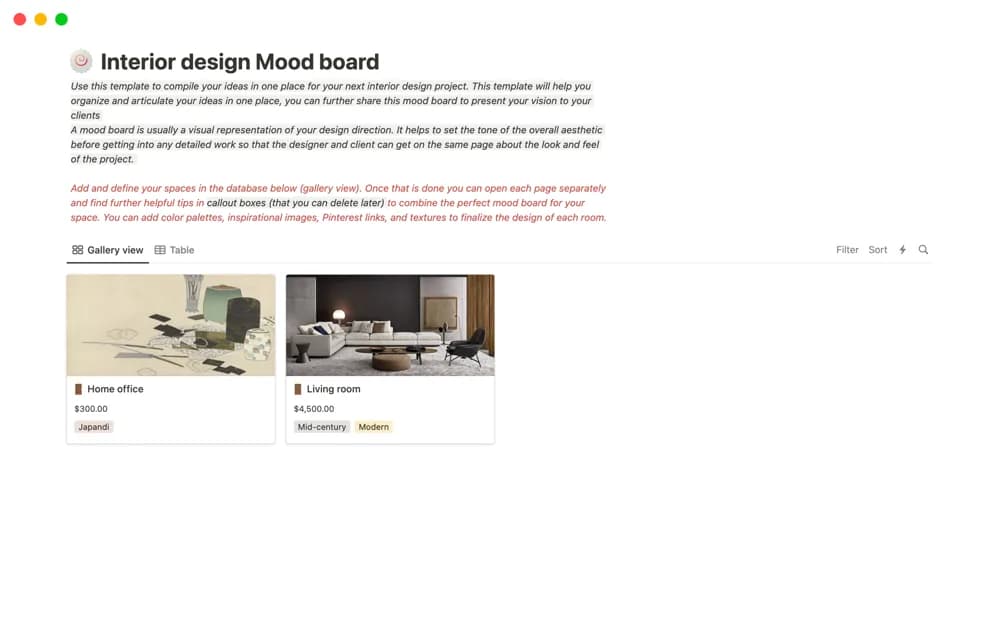
A room-based interior mood-board layout for images, references, links, colors, furniture, and textures, intended for collaboration or presenting a design direction.
 Free
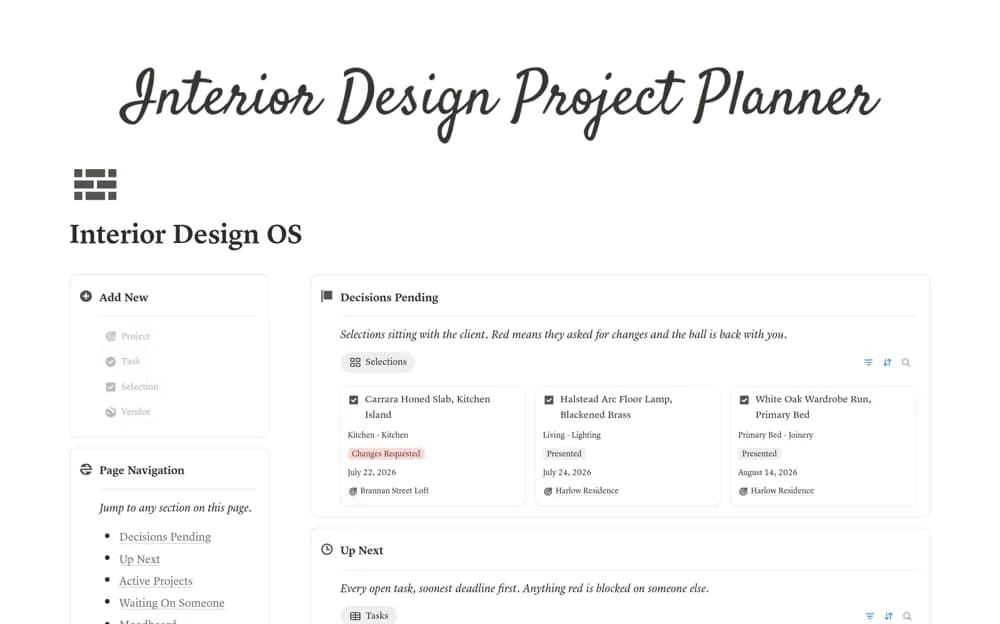
An interior design workspace for project briefs, room selections, moodboards, client decisions, tasks, and vendors.
 Free
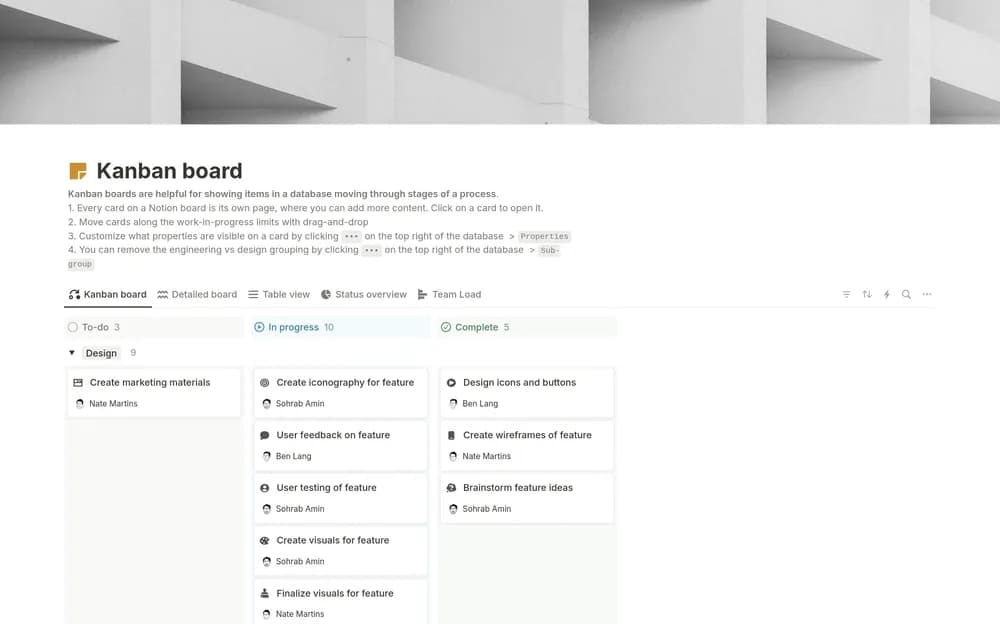
A Notion-made Kanban board for seeing work move through stages.
 Free
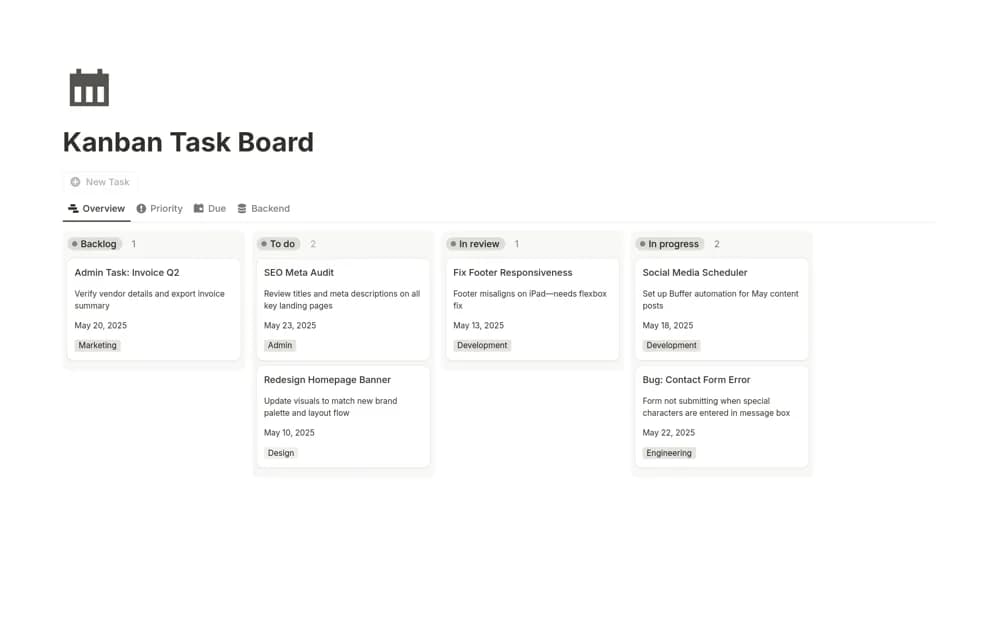
See tasks move through stages in a simple Notion Kanban board, with a visual work queue for reviewing what needs attention next.
 Free
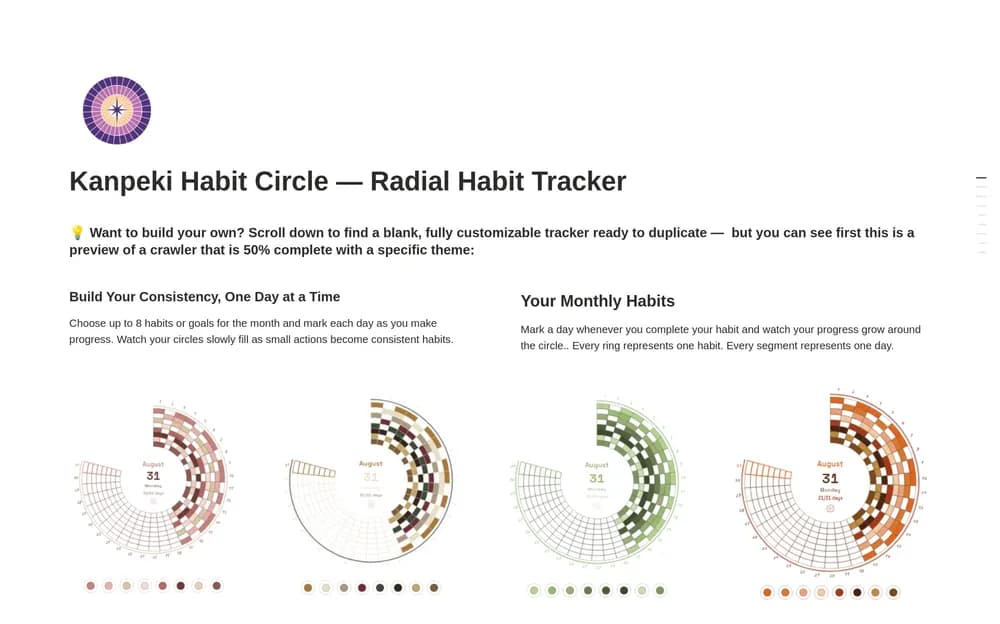
Track up to eight monthly habits on an interactive Notion wheel where each ring is a habit and each segment is a day you mark as done.
 Free
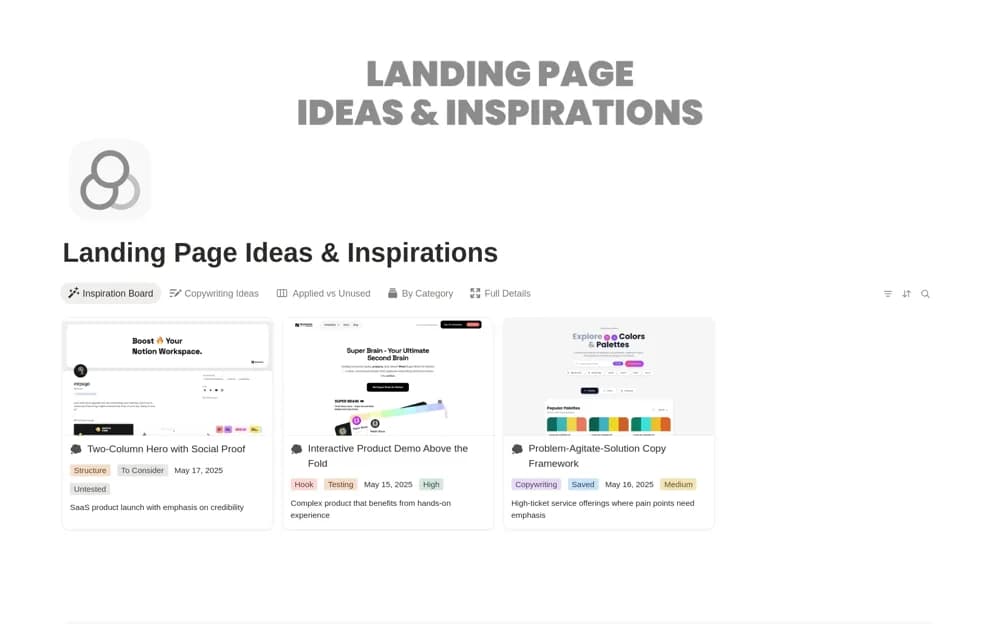
A landing-page swipe file for saving design examples, headlines, and calls to action with useful tags.
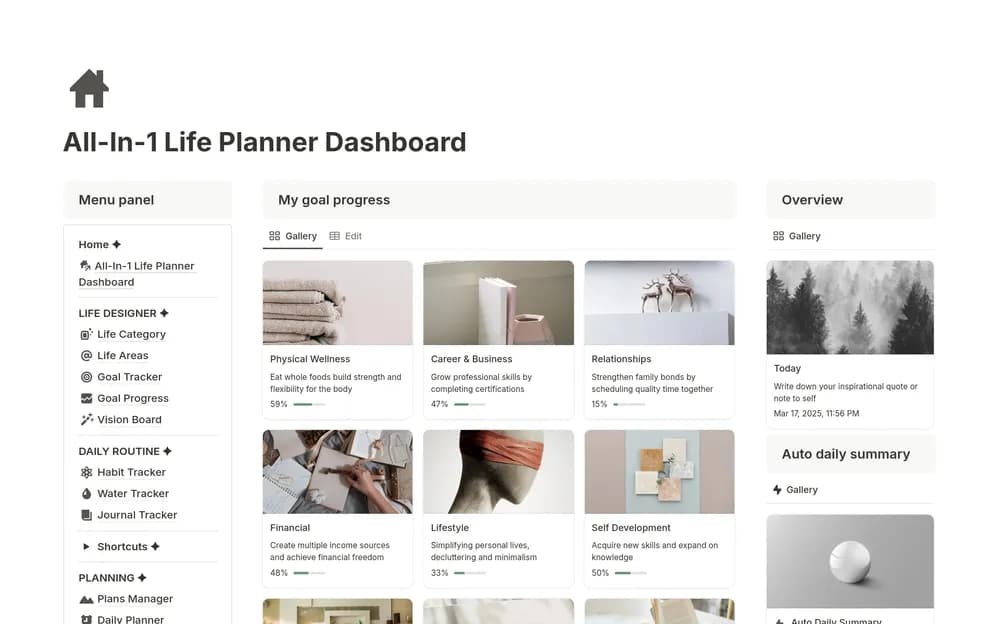 Paid
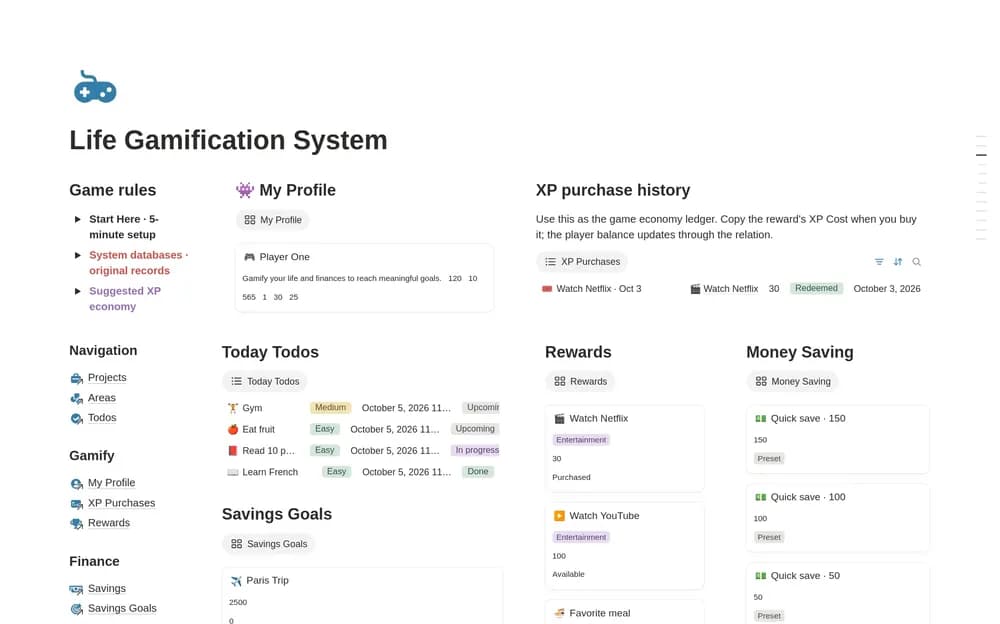 Free
Earn XP for tasks, habits, and projects in a gamified Notion system, then spend it on custom rewards while tracking savings goals and life areas.
 Free
Connect goals, projects, routines, habits, journaling, travel, reading, and finances in a Notion life operating system built around one dashboard.
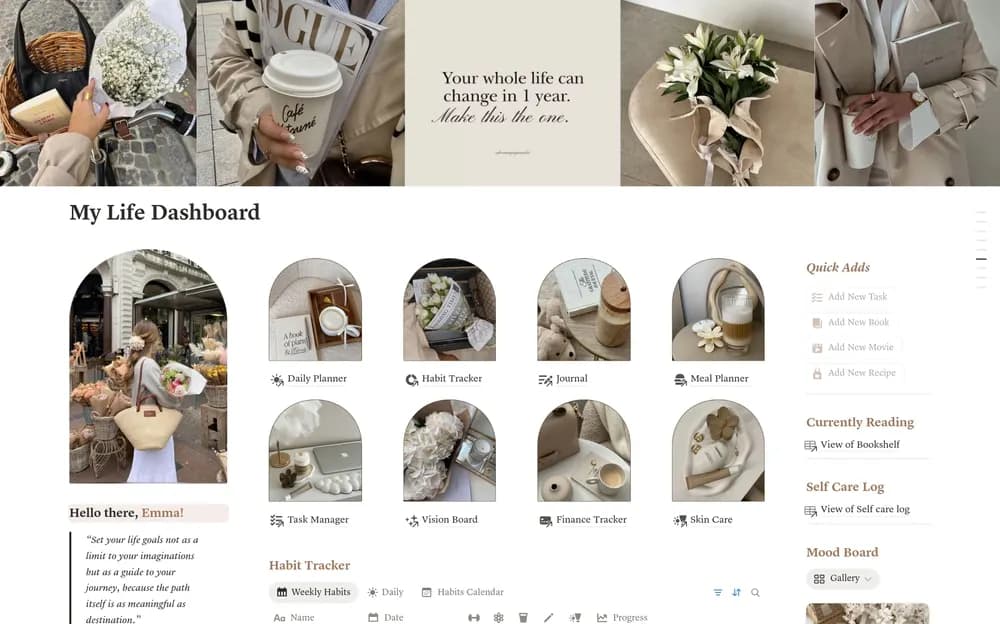 Free
Run daily planning, tasks, habits, journaling, meals, finances, and self-care from one neutral-toned Notion life dashboard with quick navigation.
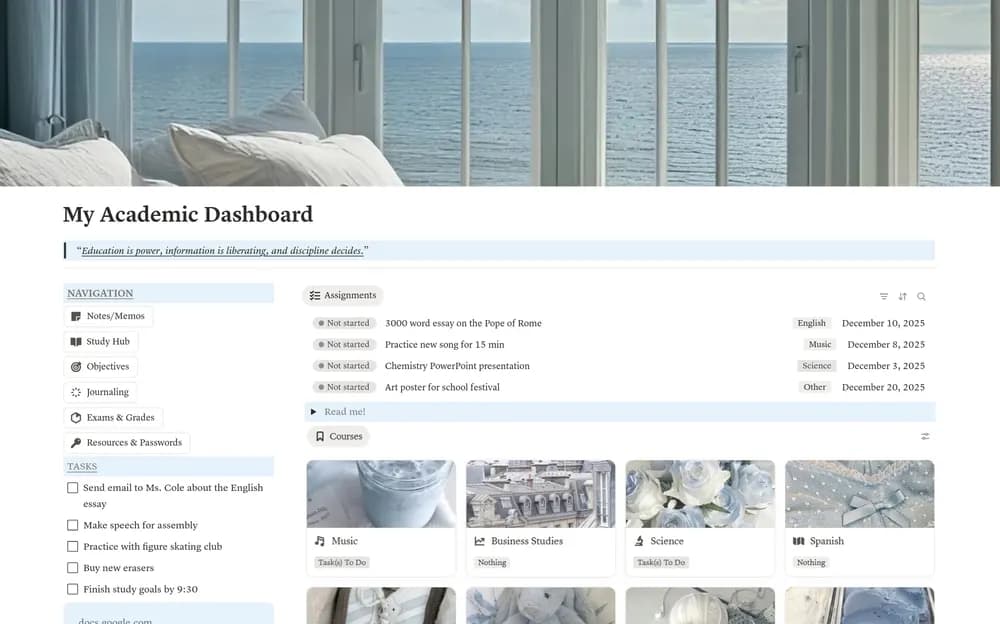 Free
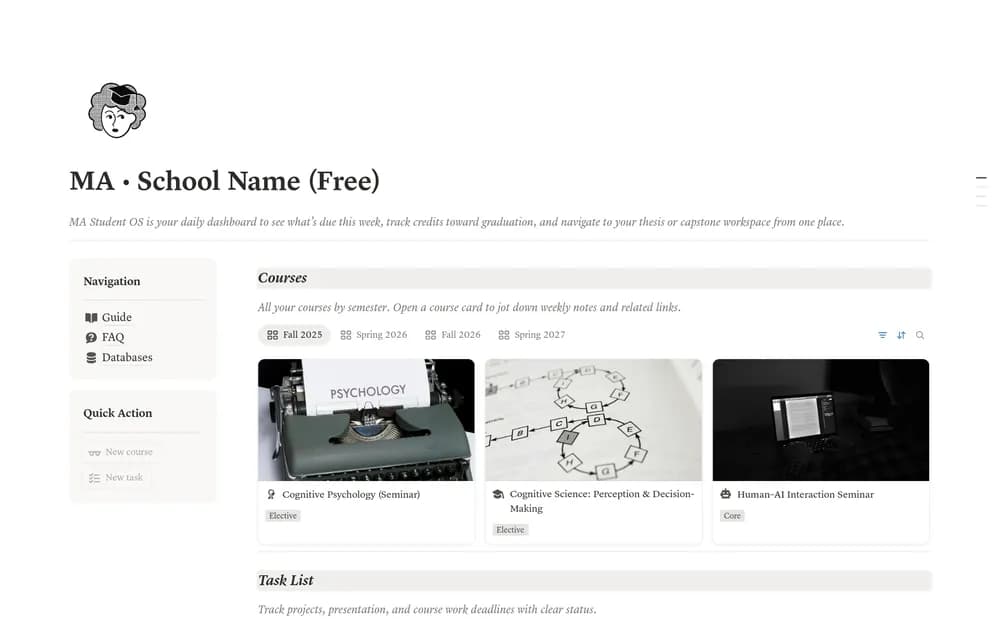
Organize a school term on one light blue Notion dashboard covering assignments, exams, grades, study sessions, goals, schedules, notes, and journaling.
 Free
 Free
 Free
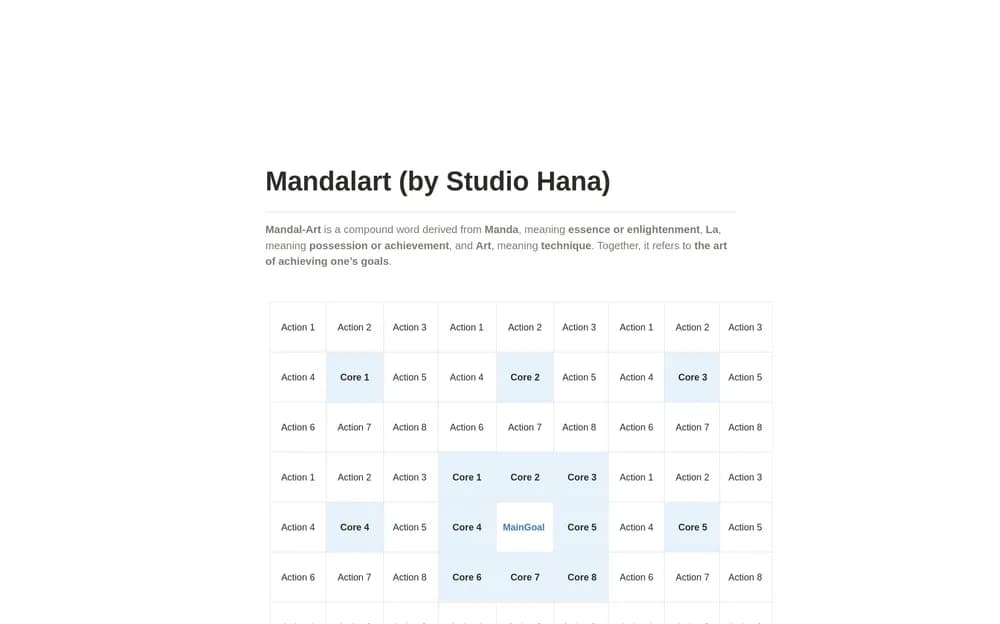
Break one core goal into eight themes and 64 concrete actions in Notion using a native 9x9 Mandalart grid with guided prompts.
 Free
Capture meeting follow-ups in Notion with an owner, due date, and status for each task, plus an open-items view of everything still pending.
 Free
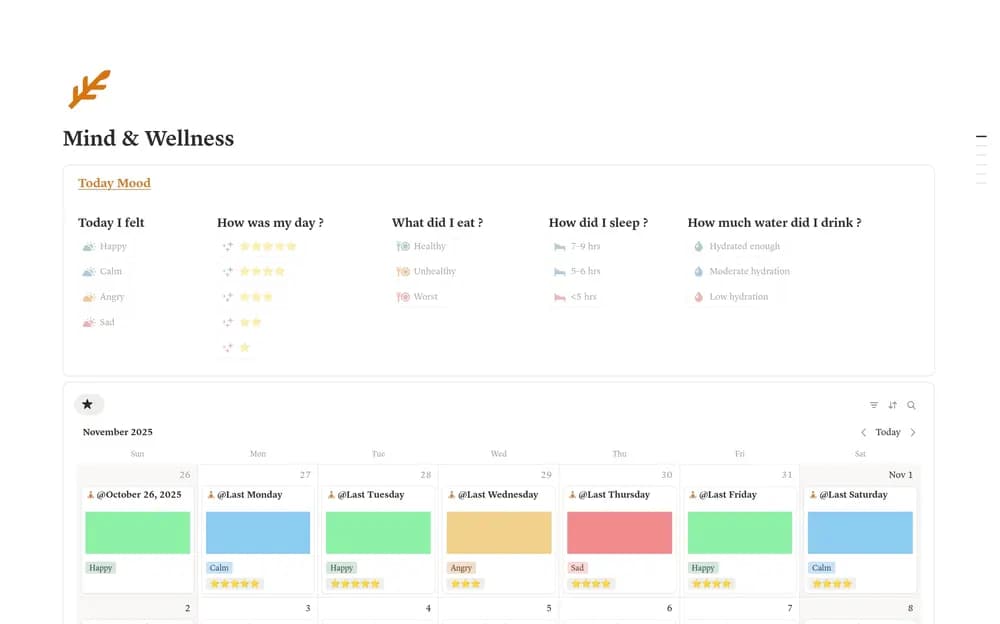
Log mood, meals, sleep quality, and water intake in Notion each day, then review mood patterns across the month on an overview calendar.
Compare the purpose and included features before choosing a workspace.
People starting a small daily routine.
People who want a clear organizing principle for notes and projects.
University students who want a central academic workspace.
197 working templates from 146 creators: 184 free and 13 paid, with paid options from $1 to $49. Links last checked November 22, 2026.
| Template | Best for | Price | Creator |
|---|---|---|---|
| Notion Habit Tracker | People starting a small daily routine. | Free | PathPages |
| PARA Dashboard | People who want a clear organizing principle for notes and projects. | Free | Easlo |
| University Hub | University students who want a central academic workspace. | Free | Fre |
| 12 Week Year System | Goal-driven individuals who prefer short planning cycles to annual resolutions. | Free | Noren |
| 2027 Calendar Tables | Planners who want a quick, printed-style year overview inside Notion without building one from scratch. | Free | Renza Studios |
| 2027 Life Planner: Goals, Habits & Weekly Planner | People who want a forgiving annual planner they can drop and resume without facing pages of empty boxes. | Free | NotoMantra |
| 75 Hard Challenge Tracker | People taking on 75 Hard, especially for the first time, who want a simple daily checklist. | Free | dariyDi |
| 75 Medium Challenge | People attempting 75 Medium who want daily accountability without the restart rule of 75 Hard. | Free | Ximena |
Start with the part of your day that feels most scattered. A task list can solve a different problem from a complete life dashboard. Look at how quickly you can add an item, choose the next action, and review unfinished work. Try the template with a normal week of tasks before moving your whole workspace into it.
Quick capture
A clear daily view
A review you can keep up with
About the directoryCapture unfinished commitments in one inbox, then review them when you have time to choose what comes next. Separate a task you can do from a project that needs several steps. Keep a short view of current commitments instead of showing the entire archive whenever you open Notion.
Jump straight to any listing in the collection.
Choose a task list if capture and follow-through are the problem. A broader dashboard helps when you also need project context, notes, and a review routine. Test the smaller workflow before adding sections you will need to maintain.
It depends on the job you need it to do. Good starting points in this collection include Notion Habit Tracker (people starting a small daily routine), PARA Dashboard (people who want a clear organizing principle for notes and projects) and University Hub (university students who want a central academic workspace). Compare the included features below, then try your first choice with a week of real information before moving everything across.
Yes. This collection currently includes 184 listings with a confirmed free creator offer, alongside 13 paid or freemium options. Use the Free filter to compare them. A free version can have different features from a creator’s paid upgrade, so check the original listing and current access terms before adding it to your workspace.